Unlock a world of gaming without expensive hardware. This comprehensive guide helps US gamers understand how to enable cloud gaming, offering practical steps and solutions for common pain points. Discover how to play your favorite titles on nearly any device, from your smartphone during a commute to your smart TV after work. We cover everything from choosing the right service to optimizing your internet connection for a smooth, lag-free experience. Learn about the benefits of ditching lengthy downloads and costly upgrades, allowing you to spend more time enjoying games with friends and family. Dive into the future of gaming, perfect for busy adults balancing life and leisure. Explore budget-friendly options, cross-play possibilities, and tips for making cloud gaming fit your lifestyle. Get ready to game smarter, not harder.
Q: What is the best internet speed for cloud gaming?
A: For a smooth 1080p cloud gaming experience, a consistent internet download speed of 15-25 Mbps is generally recommended. If you are aiming for 4K resolution, you will need 35-50 Mbps or higher. However, stability and low latency are just as crucial as raw speed, making a wired Ethernet connection often superior to Wi-Fi, even with slightly lower speeds.
Q: How can I play cloud games without buying a new console?
A: You can enable cloud gaming by subscribing to services like Xbox Cloud Gaming, NVIDIA GeForce NOW, Amazon Luna, or PlayStation Plus Premium. These platforms stream games from powerful servers directly to your existing devices such as smartphones, tablets, PCs, or smart TVs, eliminating the need for expensive console hardware.
Q: Which devices are compatible with cloud gaming services?
A: Most cloud gaming services support a wide range of devices including Windows PCs, macOS computers, Android smartphones and tablets, iOS devices (iPhones and iPads), smart TVs, and dedicated streaming sticks. If your device can run a modern web browser or a specific app and stream high-definition video, it is likely compatible.
Q: Why is my cloud gaming experience lagging or stuttering?
A: Lag or stuttering in cloud gaming is usually due to an unstable or slow internet connection. Common causes include Wi-Fi interference, high network congestion from other users, geographical distance to the gaming server, or an outdated router. Switching to a wired Ethernet connection, minimizing other network usage, and ensuring your internet plan meets the service's recommendations can significantly improve performance.
Q: Can I use my existing PC games with cloud streaming services?
A: Yes, with certain services. NVIDIA GeForce NOW allows you to link your existing game libraries from platforms like Steam, Epic Games Store, and Ubisoft Connect, letting you stream games you already own from the cloud. Other services like Xbox Cloud Gaming or PlayStation Plus Premium offer their own curated libraries via subscription rather than streaming your personal titles.
Q: What are the main benefits of enabling cloud gaming for busy adults?
A: Cloud gaming offers busy adults immense flexibility and value. It eliminates the need for expensive hardware upgrades, lengthy game downloads, and device-specific limitations. Gamers can jump into sessions instantly on any compatible device, fitting gaming around work and family schedules. It also provides access to vast game libraries for a monthly fee, making it a budget-friendly way to stay current and socialize with friends.
Q: How do I choose the best cloud gaming service for my needs?
A: Consider your existing game library, preferred genres, and budget. If you own many PC games, NVIDIA GeForce NOW is ideal. For Xbox exclusives and a large rotating library, Xbox Cloud Gaming (with Game Pass Ultimate) is excellent. PlayStation fans will lean towards PS Plus Premium, while Amazon Luna often appeals to Prime members and families with its channel-based offerings. Compare their game catalogs and pricing to find your best fit.
Hey fellow gamers! Ever feel like you are constantly battling slow downloads, expensive hardware upgrades, or the struggle to find enough time to game around your job and family commitments? You are not alone. In today's fast-paced world, where 87% of US gamers play regularly, often for 10+ hours a week, and mobile gaming dominates a significant portion of that, finding convenient and affordable ways to enjoy our passion is more critical than ever. We want the fun, the relaxation, the social connection, and the skill-building without the hassle or the hefty price tag. That is where cloud gaming swoops in like a true hero, offering a revolutionary way to play. Imagine ditching those long update screens, forgetting about maxed-out storage, and saying goodbye to pricey graphics cards. Cloud gaming lets you stream games directly to almost any device you own, transforming your smartphone, old laptop, or even your smart TV into a powerful gaming rig.
This isn't just a niche trend; it's a game-changer for adults who balance life and pixels. Whether you are looking to unwind after a long day with a cozy game, jump into a quick multiplayer session with friends on Discord, or explore the latest AAA titles without breaking the bank, understanding how to enable cloud gaming is your ticket. We are talking about practical solutions for real gamer problems: performance issues on older tech, budget constraints, finding time for new releases, and connecting with your gaming community. This guide will cut through the hype and give you the straightforward, actionable advice you need to unlock the full potential of cloud gaming in 2026. Let's get you set up to play smarter, not harder.
What Exactly Is Cloud Gaming And How Does It Work?
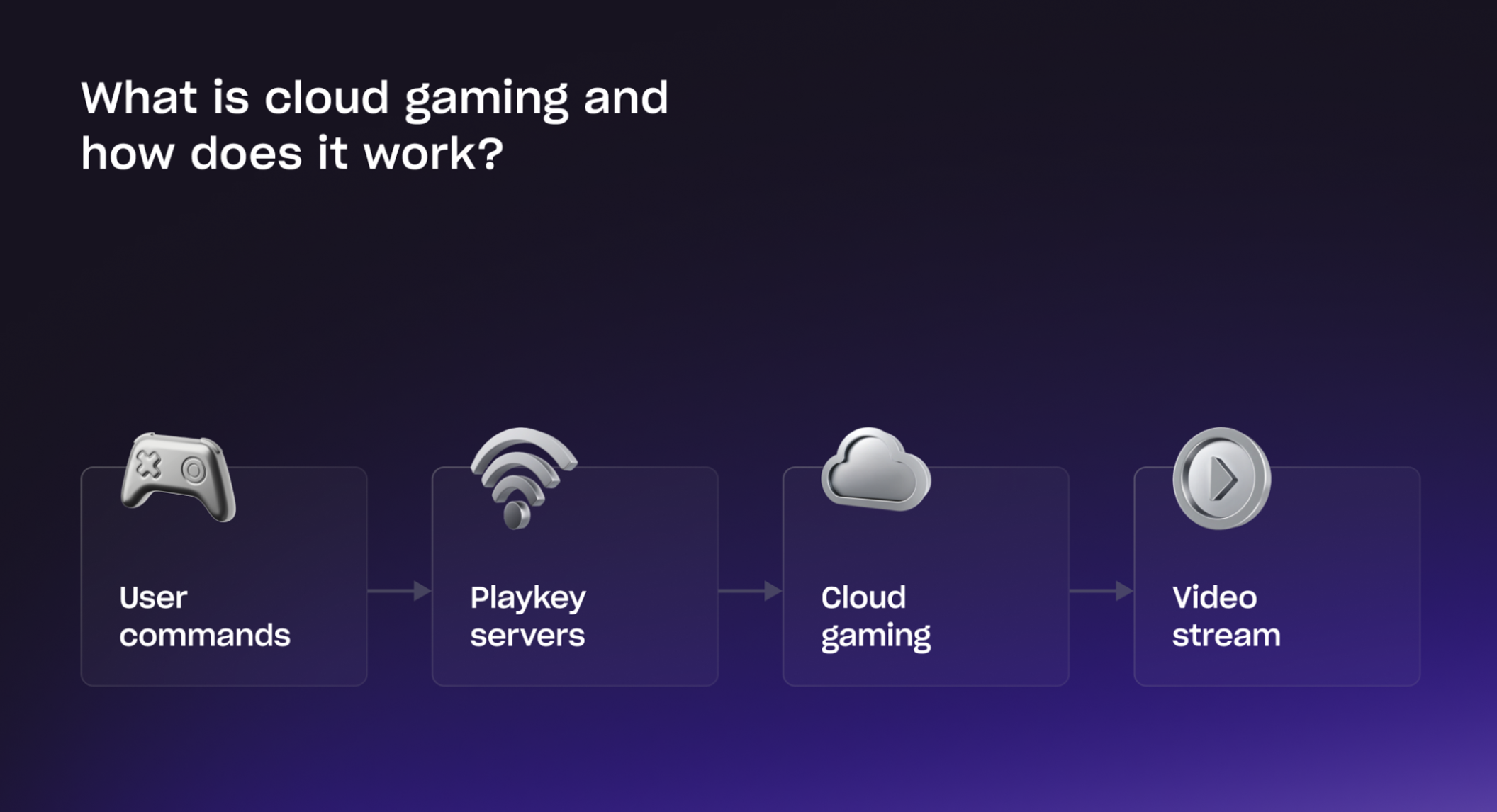
Cloud gaming, often called game streaming, is like Netflix for video games. Instead of running games directly on your local device, the game runs on powerful servers in a data center somewhere in the 'cloud.' These servers handle all the heavy lifting, from processing graphics to executing game logic. The server then streams the video output of the game directly to your device, and in return, your device sends your controller or keyboard inputs back to the server. This entire process happens in milliseconds, making it feel as if the game is running natively on your screen.
The magic happens thanks to robust internet infrastructure and sophisticated encoding technology. When you press a button, that signal travels to the cloud server, the server processes it, updates the game state, renders the new frame, and streams it back to you. This means you don't need a high-end gaming PC or the latest console; your device only needs to be capable of decoding a video stream and sending inputs quickly. For many gamers, especially those balancing budgets and family needs, this is a massive win, allowing access to cutting-edge titles without the constant hardware upgrade cycle.
What Do I Need To Get Started With Cloud Gaming?
Getting into cloud gaming is surprisingly accessible. The core requirements are minimal, focusing more on your internet connection than your hardware. Here's what you'll typically need:
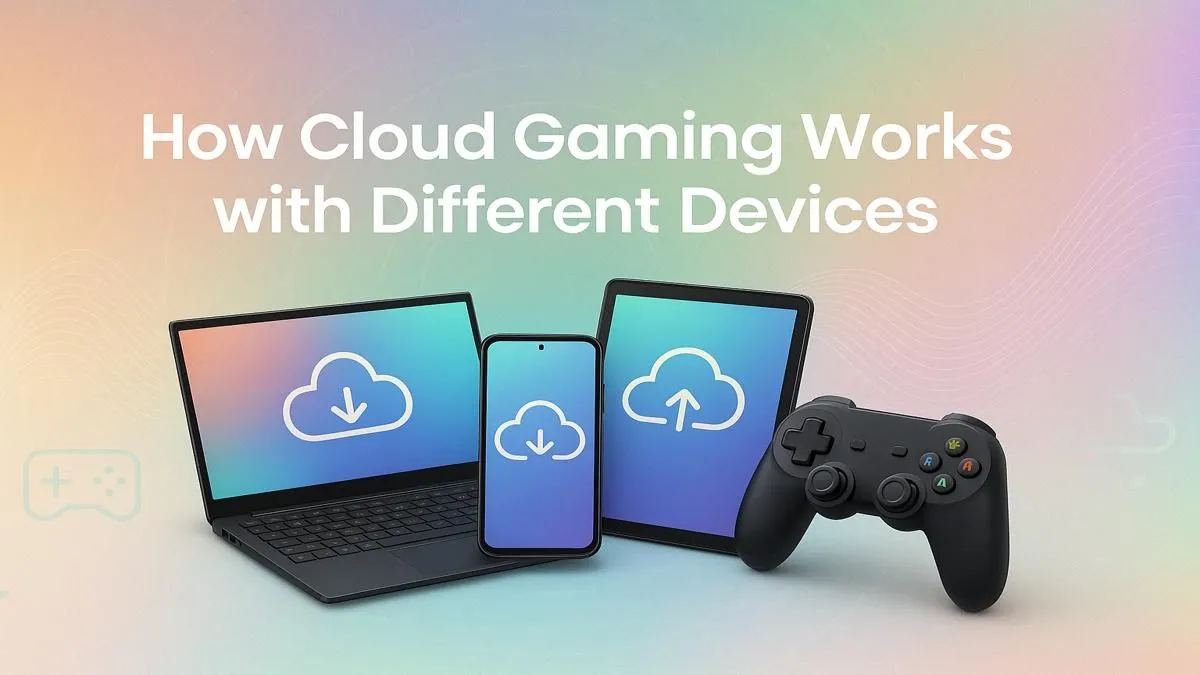
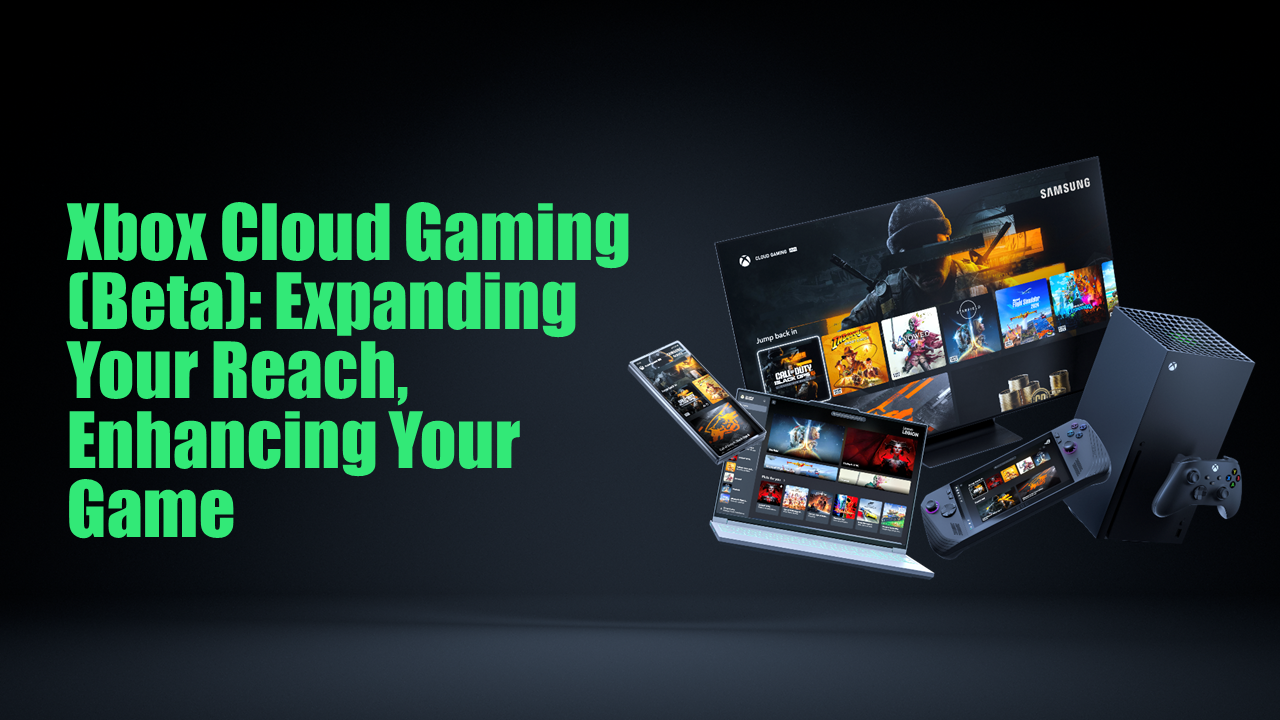
A Compatible Device: Most cloud gaming services support a wide range of devices. This includes PCs (Windows, macOS), smartphones (iOS, Android), tablets, smart TVs, and even dedicated streaming sticks. If your device can stream high-definition video, chances are it can handle cloud gaming.
A Stable Internet Connection: This is arguably the most crucial component. For a smooth 1080p experience, most services recommend a consistent download speed of at least 15-25 Mbps. For 4K streaming, you'll need 35-50 Mbps or higher. More importantly than raw speed is stability – a wired Ethernet connection is always preferred over Wi-Fi to minimize latency and dropped packets, though modern Wi-Fi 6/6E can also provide a decent experience.
A Game Controller: While some games can be played with touch controls on mobile or mouse and keyboard on PC, a good game controller offers the best experience for most titles. Most standard Bluetooth controllers (Xbox, PlayStation) are widely supported.
A Subscription to a Cloud Gaming Service: You'll need to sign up for a service like Xbox Cloud Gaming, NVIDIA GeForce NOW, Amazon Luna, or PlayStation Plus Premium. Each has its own library and pricing structure.
Remember, the goal is to minimize the distance and time your inputs travel, so a strong, stable internet connection is your best friend here.
Which Cloud Gaming Service Is Best For Me?
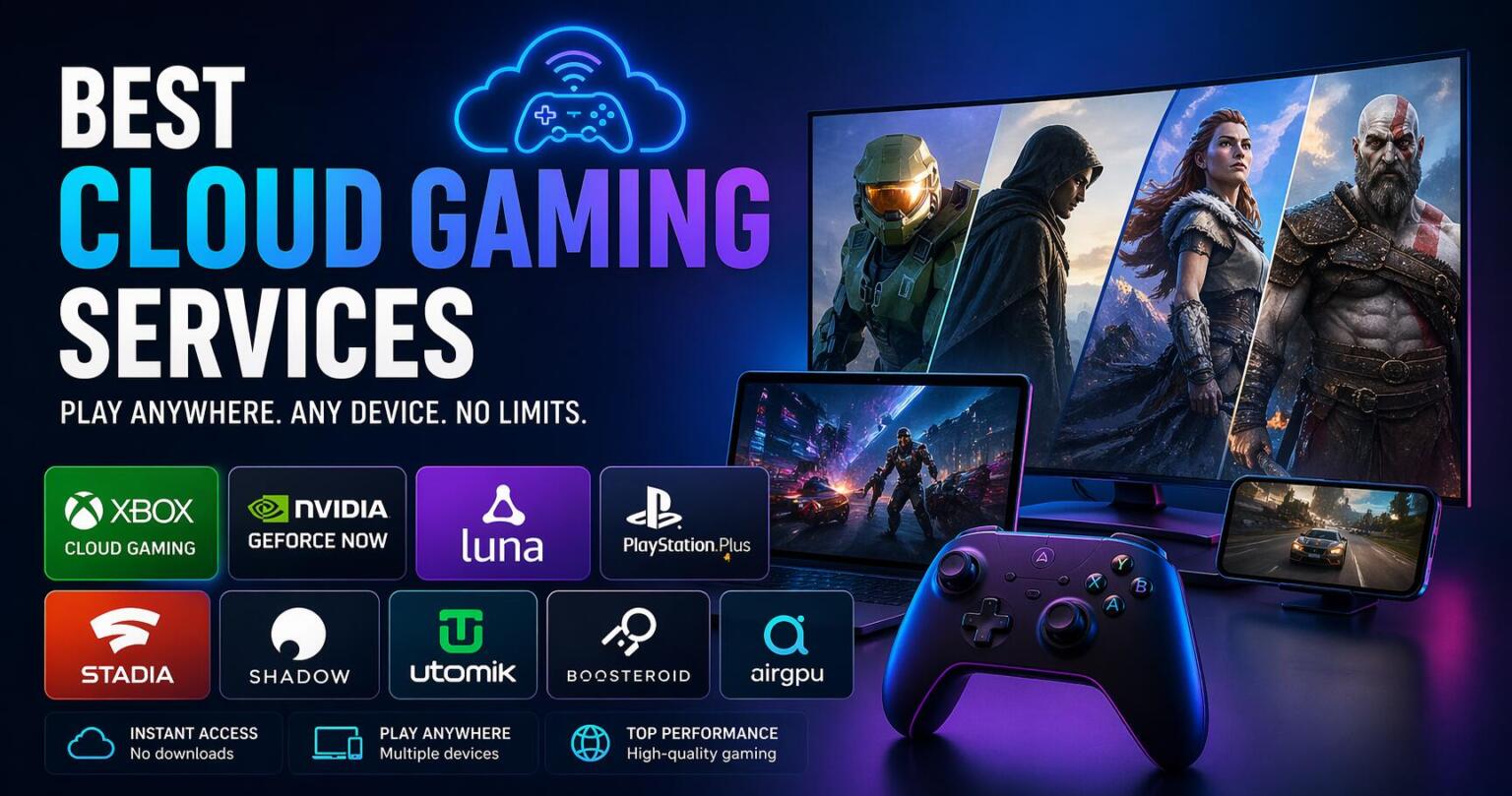
Choosing the right cloud gaming service depends on your gaming habits, preferred platforms, and budget. Here's a quick comparison of the top contenders in 2026:
| Service | Highlights | Best For | Price (approx.) |
|---|---|---|---|
| Xbox Cloud Gaming (part of Game Pass Ultimate) | Large library of Xbox/PC games, play on console, PC, mobile. | Xbox fans, those wanting a vast, rotating library. | $16.99/month |
| NVIDIA GeForce NOW | Play games you already own on Steam, Epic, etc. High performance. | PC gamers who want to play their existing library on any device. | Free (limited), $9.99-$19.99/month |
| Amazon Luna | Channels for specific genres/publishers. Integrated with Prime. | Prime members, casual gamers, family-friendly titles. | $9.99/month (Luna+), channel dependent |
| PlayStation Plus Premium | Stream PS3/PS4/PS5 games, extensive catalog. | PlayStation loyalists, access to classic titles. | $17.99/month |
Consider what games you already own or want to play. If you're invested in PC titles, GeForce NOW is often a great choice. If you love Xbox exclusives and a revolving library, Game Pass Ultimate is hard to beat. For PlayStation fans, PS Plus Premium is the way to go. Amazon Luna often appeals to families and Prime subscribers due to its channel-based approach and integration.
How Do I Optimize My Internet Connection For Cloud Gaming Performance?
A fast, stable internet connection is the bedrock of a great cloud gaming experience. Lag and stuttering can ruin immersion, especially for competitive titles. Here's how to boost your connection:
Use a Wired Connection: Whenever possible, connect your gaming device directly to your router with an Ethernet cable. This eliminates Wi-Fi interference, provides more consistent speeds, and significantly reduces latency.
Minimize Network Congestion: If other people in your household are streaming 4K videos, downloading large files, or video conferencing while you game, it will impact your performance. Try to game during off-peak hours or ask others to pause bandwidth-intensive activities.
Restart Your Router/Modem: A simple power cycle can often clear up minor network issues and refresh your connection.
Consider a Gaming Router: Some routers offer Quality of Service (QoS) settings that allow you to prioritize gaming traffic over other data, ensuring your game gets the bandwidth it needs.
Check Your ISP Plan: Ensure your internet plan meets or exceeds the recommended speeds for your chosen cloud gaming service. If you're consistently experiencing issues, a speed upgrade might be necessary.
Proximity to Router (for Wi-Fi): If wired isn't an option, ensure your device is as close to your Wi-Fi router as possible, with minimal obstructions. Upgrading to Wi-Fi 6 or 6E hardware can also help.
Even with excellent internet, the geographical distance to the service's data center plays a role. Most services automatically connect you to the closest server, but you can sometimes check your server location settings if available.
Can I Play All My Existing Games On Cloud Gaming Services?
This is a common question, and the answer varies depending on the service. Unlike traditional gaming where you own the game and play it locally, cloud gaming operates differently:
NVIDIA GeForce NOW: This service allows you to stream games you already own on platforms like Steam, Epic Games Store, and Ubisoft Connect. It effectively turns a powerful cloud PC into your gaming rig, letting you access your purchased library without downloading.
Xbox Cloud Gaming: This service grants access to a rotating library of games included with your Game Pass Ultimate subscription. While you can't stream *any* Xbox game you've ever bought, you get a huge selection, including first-party titles on day one. Some specific games you own might also be compatible, but it's primarily a subscription-based library.
Amazon Luna: Luna operates with 'channels,' where you subscribe to specific bundles of games. If you own games on other platforms, they typically won't transfer to Luna's streaming service unless explicitly stated or part of a channel.
PlayStation Plus Premium: Similar to Xbox, this service offers a curated catalog of games to stream, including PS3, PS4, and some PS5 titles. It does not typically allow you to stream games you already own digitally outside of the PS Plus Premium library.
Always check the specific service's game catalog and compatibility rules. For gamers who've built up a large PC library, GeForce NOW is often the best choice for leveraging those existing investments.
Is Cloud Gaming A Good Option For Busy Gamers And Families?
Absolutely! Cloud gaming is tailor-made for the modern US gamer. With an average age around 36, many gamers balance careers, family, and other life commitments. Time is precious, and cloud gaming addresses several pain points:
Instant Access: No more waiting hours for downloads or updates. Jump straight into a game when you have a spare 30 minutes.
Play Anywhere, Anytime: Game on your phone during a lunch break, switch to your tablet while commuting, or play on your living room TV after the kids are asleep. It adapts to *your* schedule and devices.
Cost-Effective: Avoid the need for expensive consoles or PC upgrades. A subscription often costs less than a single new AAA game, providing access to dozens or hundreds of titles. This offers excellent value for money.
Social Play: Many cloud gaming services support multiplayer, making it easy to hop into a co-op session with friends. Popular games like *Palworld* or *Helldivers 2*, which thrive on social play, are often available. This aligns perfectly with the trend of social gaming and building online communities.
Budget-Friendly Exploration: It allows you to try a wide variety of games without purchasing each one, helping you discover new genres or titles you might enjoy, which is ideal for limited gaming time.
For families, the flexibility of playing on different devices can reduce arguments over screen time, and many services offer a range of family-friendly titles, making gaming accessible to everyone without dedicated hardware for each person.
How To Troubleshoot Common Cloud Gaming Issues Like Lag Or Stuttering?
Even with a great setup, you might encounter issues. Here's how to troubleshoot common cloud gaming problems:
Check Your Internet Speed and Stability: Use an online speed test (e.g., fast.com or speedtest.net) to verify your download and upload speeds. Look for consistency. If speeds fluctuate wildly, contact your ISP.
Switch to a Wired Connection: If on Wi-Fi, try connecting via Ethernet cable. This is the single most effective step for reducing latency and improving stability.
Reduce Stream Quality: Most services allow you to lower the resolution (e.g., from 1080p to 720p) or frame rate. While not ideal, it can make an unplayable game playable on a weaker connection.
Close Background Applications: Ensure no other apps on your device are consuming significant bandwidth or CPU resources. This includes browser tabs, streaming services, or large downloads.
Update Drivers and Apps: Ensure your device's network drivers, graphics drivers (if applicable), and the cloud gaming app itself are all up to date. Outdated software can sometimes cause performance hiccups.
Check Server Status: Visit the official status page for your cloud gaming service. Sometimes the issue isn't on your end but with their servers.
Reboot Everything: A classic IT solution, but restarting your router, modem, and gaming device can often resolve temporary glitches.
Persistent issues might indicate a problem with your Internet Service Provider (ISP) or your router, especially if other online activities are also suffering.
Can I Use My Own Game Saves And Progress With Cloud Gaming?
The ability to carry over game saves and progress is a crucial aspect for many gamers, especially those who've invested hundreds of hours into a single title. This functionality largely depends on the specific cloud gaming service and how your game progress is managed:
NVIDIA GeForce NOW: Since GeForce NOW connects to your existing game launchers (Steam, Epic, etc.), your game saves are typically managed by those platforms' cloud save features. This means if you play a game on your local PC and then stream it via GeForce NOW, your progress should seamlessly carry over because the save data is synchronized through Steam Cloud or Epic Games Cloud. This is a major advantage for PC gamers.
Xbox Cloud Gaming: If you play an Xbox game through Cloud Gaming, your saves are automatically stored in the Xbox cloud, just like they would be if you played on an Xbox console. This means you can pick up where you left off whether you're playing on your console, a PC via the Xbox app, or streaming through the cloud.
Amazon Luna and PlayStation Plus Premium: For these services, game saves are typically tied to your profile within their respective ecosystems. If you stream a game through Luna or PS Plus Premium, your progress will be saved on their servers. However, transferring saves *between* a locally installed game (on a PlayStation console, for example) and the streaming version can sometimes be more complex or not directly supported for all titles, though many popular games will sync. It's best to check individual game compatibility or service FAQs.
In most modern cloud gaming setups, the goal is to provide a seamless experience, so save game synchronization is usually well-implemented, allowing you to switch devices without losing your hard-earned progress.
Cloud gaming offers an exciting path forward for gamers seeking flexibility, affordability, and instant access to their favorite titles. It's a technology perfectly suited for the modern adult gamer who values their time and budget while still wanting to stay connected to the vibrant world of gaming. By understanding how to enable cloud gaming, choosing the right service, and optimizing your setup, you can enjoy a premium gaming experience without the traditional hardware hurdles. Whether it's catching up on new releases or revisiting classics, cloud gaming makes it all possible, anywhere you are.
What's your biggest gaming challenge that cloud gaming could solve? Comment below!
FAQ Section
Q: What internet speed do I really need for cloud gaming?
A: For a decent 1080p experience, aim for a consistent 15-25 Mbps download speed. For 4K, 35-50 Mbps is recommended. Stability and low latency are often more important than peak speed, so a wired connection is always best.
Q: Can cloud gaming replace my gaming PC or console?
A: For many casual to mid-core gamers, yes! Cloud gaming significantly reduces the need for expensive local hardware, offering access to high-end games on budget devices. Hardcore competitive players might still prefer local hardware for absolute minimal latency.
Q: Are all games available on cloud gaming services?
A: No. Each service has its own library. Xbox Cloud Gaming and PlayStation Plus Premium offer curated selections, while NVIDIA GeForce NOW allows you to stream many games you already own from PC storefronts like Steam or Epic Games Store.
Q: Is cloud gaming expensive?
A: Cloud gaming is generally more affordable than buying new consoles or high-end PCs every few years. Subscriptions range from free (with limitations) to around $10-$20 per month, often including a library of games, offering excellent value.
Q: What about input lag in cloud gaming?
A: Input lag is a common concern. While cloud gaming inherently has some latency due to data travel, modern services and strong internet connections make it negligible for most games. For highly competitive esports titles, local hardware still offers an edge, but for the majority of gamers, it's not a deal-breaker.
Q: Can I play cloud games on my smart TV?
A: Many smart TVs now have native apps for services like Xbox Cloud Gaming or NVIDIA GeForce NOW. You can also use streaming devices like Amazon Fire TV Stick, Roku, or Google Chromecast with supported apps to enable cloud gaming on your TV.
No hardware upgrades, play anywhere, instant access to games, save money, seamless cross-device play, reduced download times, social gaming made easy, stress-free setup, enjoy latest titles without buying consoles, balancing life and gaming.
35


Cloud Gaming Latency In 2026 Is It Finally Good Cloud Gaming Latency In 2026 .webp. Xbox Cloud Gaming Kommt 2026 Auf Hisense Smart TVs Xcg S1.webp. Xbox Cloud Gaming Is It Changing How We Play Forever Xcg.webp. Tren Gaming 2026 Cloud Gaming Dan AI Siap Ubah Cara Kita Bermain Tren Gaming 2026 Cloud Gaming Dan AI Siap Ubah Cara Kita Bermain . Cloud Gaming 2026 Future Of Gaming Lag Free Play Cloud Gaming 2026


How Cloud Gaming Is Changing The Future Of Console Games SDLC Corp How Cloud Gaming Is Changing The Future Of Console Games . Top 3 Best Cloud Gaming Apps In India 2026 Image. Cloud Saves On Xbox How To Enable 71948.webp. Xbox Cloud Gaming Getting Started The Complete Beginner S Guide 2026 Enable Xbox Game Bar.webp. How To Fix Palworld Cloud Gaming Crashing On Xbox One Ultimate Guide 15 How To Fix Palworld Cloud Gaming Crashing On Xbox One Ultimate Guide 3 1536x859 Optimized




How To Supercharge Android Gaming Performance In 2026 Mobileos Editorial 1160x720 850x528 . Xbox Game Pass June 2026 Wave 1 All 9 Games Confirmed Xbox Cloud Gaming Internet Speed. Xbox Game Pass June 2026 Wave 1 All 9 Games Confirmed Set Refresh Rate To 120Hz On Xbox Series X. How To Reduce Input Lag In Cloud Gaming And Streaming Trucos Avanzados Para Reducir Input Lag En Streaming Y Cloud Gaming 2 . New 2026 Wi Fi Xbox Controller Leak Hints At Microsoft S Next Big Cloud 7d286264 2f15 431a A321


How To Enable 120fps On Xbox Series X Step By Step Guide Xbox Series X Console Black Bg Promotional Visual. NEW How To Enable Cloud Gaming On Xbox App In 2025 YouTube . Beste Cloud Gaming Dienste Im Vergleich 2026 Best Cloud Gaming Services 2 1536x809 . Free Cloud Gaming Services In 2026 How To Play For Free Free Cloud Gaming Services . 4K Cloud Gaming In 2026 Best Services Prices Specs Cloud Gaming 4k 1024x576

Comparatif Cloud Gaming 2026 GeForce Now Xbox Ou Shadow Cloud Gaming 2026 Choix Comparatif 1 1 . Cloud Gaming You Should Know In 2026 Com Cloud Gaming You Should Know In 2025 . Your Guide To Cloud Gaming How Cloud Gaming Works With Different. What Is Cloud Gaming Xsolla Blog What Is Cloud Gaming Featured Image 01 2112x1146. The Future Of Gaming Exploring Cloud Gaming Wasif Ahmad Cloud Gaming

Epic Games Is Bringing Fortnite To Snapdragon X PCs This Year Windows . Cloud Gaming Latency 2026 What It Is And How To Reduce It Best Cloud Gaming Handheld . GDC 2025 Xbox Cloud Gaming Beta Expanding Your Reach Enhancing GDC2025 . The Evolution Of Gaming In The Cloud Download 40 2 . How To Configure Cloud Setup In Hikvision DVR YouTube 2026 How To Configure Cloud Setup In Hikvision Dvr Youtube 2.webp

Cloud Gaming Is The FUTURE GeForce NOW Xcloud Launch In India 2026 . Cross Progression In Games How To Enable 72010.webp. Enable Fortnite 2FA On Your Epic Games Account 2026 Image 1868 1161x720 . Your Cloud Gaming Starter Guide How To Get Started With Cloud Gaming A Beginners Guide.webp. Xbox Game Pass June 2026 Wave 1 All 9 Games Confirmed Wuthering Waves Lingyang