Are you a dedicated gamer balancing life, work, and your passion for virtual worlds like Roblox? Ever wondered how some players create those stunning, professional-looking Roblox graphics, often called GFX? This comprehensive guide for the aspiring Roblox GFX creator is designed specifically for busy adults who want to tap into their creative side without sacrificing their limited free time. We'll demystify the process, from choosing the right software and mastering essential techniques to understanding the market for your creations. Discover how to enhance your Roblox experience, potentially earn some Robux, and build a new skill that brings both relaxation and accomplishment. Learn the steps, tools, and tricks involved in becoming a skilled Roblox GFX creator, fitting this exciting hobby into your schedule. We cover everything from initial setup to advanced rendering, ensuring you gain valuable insights to create captivating visuals that stand out in the vast Roblox universe. Join the growing community of creators and turn your artistic vision into reality, making your mark with unique and impressive GFX designs this month. This informational piece aims to guide you through the exciting journey of GFX artistry, helping you navigate the tools and trends with ease and confidence.
What are the best free alternatives to Photoshop for Roblox GFX?
For aspiring Roblox GFX creators on a budget, GIMP (GNU Image Manipulation Program) is an excellent, powerful free alternative to Photoshop. It offers a wide array of image manipulation tools, layers, and effects necessary for post-processing your renders. Another strong contender is Photopea, a web-based editor that mimics Photoshop's interface and functionality directly in your browser, requiring no downloads. Both provide robust features for color correction, compositing, and adding text to your Roblox GFX projects.
How important is rigging for a Roblox GFX creator?
Rigging is crucial for a Roblox GFX creator because it allows you to pose characters dynamically and naturally. A rig, which is essentially a digital skeleton, enables you to manipulate a character's limbs, joints, and even facial expressions with ease. Without a proper rig, your Roblox avatars would appear stiff and lifeless, making it incredibly difficult to create compelling and expressive GFX. Utilizing pre-made Roblox GFX rigs in Blender saves significant time and effort for better results.
Where can I find free Roblox character models for GFX?
The primary place to find Roblox character models for GFX is directly within Roblox Studio. You can load your own avatar or any other character from the catalog. Plugins like "Load Character Pro" make this process straightforward, allowing you to export the character as an OBJ file. Additionally, many GFX communities and Discord servers share free character rigs and asset packs, though always be mindful of usage rights and potential virus risks from unofficial sources.
What's the typical workflow for a Roblox GFX creator from start to finish?
A typical workflow for a Roblox GFX creator begins by extracting the desired character and assets from Roblox Studio. Next, these are imported into 3D software like Blender, where the character is posed using a rig, and custom lighting and materials are applied. The scene is then rendered to produce a raw image. Finally, this render is taken into an image editor like Photoshop or GIMP for post-processing, where backgrounds, effects, text, and color corrections are added to create the final polished GFX.
What kind of hardware specifications are recommended for a Roblox GFX creator?
For a Roblox GFX creator, a computer with at least 16GB of RAM is highly recommended, especially when working with complex scenes in Blender. A dedicated graphics card (GPU) from NVIDIA (e.g., RTX 3060 or newer) or AMD (e.g., RX 6600 XT or newer) is crucial for faster rendering speeds. A multi-core processor (CPU) also helps with general performance. While you can start with less, these specs significantly improve workflow efficiency and render times.
Are there any communities for Roblox GFX creators to get help or feedback?
Yes, numerous vibrant online communities exist for Roblox GFX creators. Discord servers are particularly popular, with many dedicated to Roblox art, Blender tutorials, and GFX commissions. You can also find active groups on platforms like DeviantArt, ArtStation, Twitter, and the official Roblox Developer Forum. These communities are excellent resources for asking questions, sharing your work, receiving constructive feedback, and connecting with fellow artists and potential clients.
What are the best practices for lighting in Roblox GFX to make it pop?
To make Roblox GFX pop, best lighting practices include utilizing a three-point lighting setup (key, fill, and rim lights) to define contours and add depth. Experiment with different light colors to create mood, and use HDRI environments for realistic ambient and reflective lighting. Pay attention to shadows, ensuring they are soft and consistent with your light sources. Strategic use of volumetric lighting (god rays) can also add dramatic effect and atmosphere.
Introduction: Level Up Your Creativity: Becoming a Roblox GFX Creator Without the Grind
As a seasoned gamer, you know the drill. Juggling work, family, and life's endless responsibilities often leaves limited time for your true passion: gaming. Yet, many of us crave more than just playing; we want to create, to personalize, to make our mark in the digital worlds we inhabit. If you spend countless hours in Roblox, you've undoubtedly seen those stunning, highly detailed images of avatars, characters, and scenes – the kind that look like professional advertisements rather than in-game screenshots. These are the works of a Roblox GFX creator, and if you've ever wondered how to produce them yourself, you're in the right place. This guide is tailored for the adult gamer, the one balancing a full plate but still eager to tap into a rewarding creative outlet. We understand your time is precious, your budget might be tight, and you want results without wading through endless hype or overly complex tutorials. This article will cut straight to the chase, offering practical, actionable advice to transform your Roblox vision into captivating GFX. Forget the pain points of complex setups or performance issues; we’re here to simplify the journey to becoming a proficient Roblox GFX creator. Did you know 87% of US gamers play regularly, often dedicating 10+ hours a week to gaming, with many seeking engaging ways to extend their experience beyond just playing? GFX creation offers just that, blending skill-building with a relaxing, fun endeavor, and even a social component as you share your creations and potentially collaborate. It's about optimizing your passion for value and enjoyment, perfectly fitting into a life where gaming provides both escape and accomplishment.
What Exactly is a Roblox GFX Creator and Why is it Popular Among Gamers?
A Roblox GFX creator is essentially a digital artist specializing in generating high-quality graphical images (GFX stands for Graphics Effects or simply Graphics) using Roblox assets. Unlike a simple screenshot, these creators leverage professional-grade 3D modeling, rendering, and image editing software to craft highly polished, often promotional-style artwork. This includes everything from striking character renders and eye-catching game thumbnails to custom profile pictures and engaging banner art that showcases Roblox avatars and environments in a much more dynamic and visually compelling way. The process involves extracting 3D models from Roblox Studio, posing them with precision, applying custom lighting and textures, adding intricate effects, and then rendering the final image to achieve a professional finish.
The popularity of becoming a Roblox GFX creator has surged, particularly among adult gamers who are looking for creative expression that goes beyond traditional gameplay. For many, it offers a deeply relaxing and engaging hobby that directly leverages their existing passion for Roblox. It's an excellent pathway to develop valuable digital art skills, similar to traditional art forms but grounded within a familiar gaming context. Moreover, in the current landscape of social gaming and content creation, unique and high-quality GFX is in immense demand. Roblox game developers, popular YouTubers, streamers, and even individual players frequently seek out skilled artists to enhance their online presence. This creative outlet provides a profound sense of accomplishment, fosters continuous skill-building, and can even evolve into a lucrative side hustle, perfectly aligning with the desire for hobbies that offer both value and purpose for busy adults who want to stay current without hype. The social aspect of sharing your work and receiving feedback further enhances the experience, making it a truly rewarding part of the gaming ecosystem.
What Essential Software and Tools Do I Need to Start as a Roblox GFX Creator?
Getting started as a Roblox GFX creator doesn't demand an exorbitant investment in software, which is fantastic news for gamers operating on a budget, especially those balancing expenses with family and work. The core toolkit typically involves a few key software categories, with powerful free options available:
- Roblox Studio: This is your starting point and it's completely free. Available to all Roblox users, Studio is where you'll access and extract your 3D models, characters, and other in-game assets. You'll primarily use it to load specific games or environments, select your desired avatars (often using plugins like 'Load Character' for efficiency), and export them as OBJ files or similar formats suitable for 3D software.
- 3D Modeling/Posing Software: Blender is overwhelmingly the most popular choice for Roblox GFX creators. It's a robust, open-source, and entirely free 3D creation suite capable of handling modeling, rigging, animation, rendering, and much more. While it does come with a learning curve, the vast amount of free tutorials on platforms like YouTube makes it incredibly accessible. For efficient character posing, you'll often utilize pre-made Roblox character rigs specifically designed for Blender. Paid alternatives like Cinema 4D exist and offer advanced features, but they represent a significant financial commitment often unnecessary for beginners.
- Image Editing Software: After your 3D render is complete, you'll need to refine and polish the image. Adobe Photoshop is the industry standard for professional post-processing, offering unparalleled tools for effects, color correction, and text integration, but it requires a paid subscription. However, excellent free alternatives like GIMP (GNU Image Manipulation Program) or the web-based Photopea provide robust features that are more than sufficient for beginners and even intermediate Roblox GFX creators. These tools allow you to enhance your renders, add backgrounds, and apply the final touches that make your GFX truly shine.
Many creators also enhance their workflow with various plugins or add-ons for Blender, which can streamline tasks like advanced lighting setups, material creation, or scene management. Starting with these high-quality free options allows you to explore the hobby and build your skills without significant financial pressure, perfectly aligning with the value for money sought by our audience.
How Do I Create My First Roblox GFX: A Step-by-Step Guide for Beginners?
Diving into your first Roblox GFX project can initially feel overwhelming, but by breaking it down into a series of manageable steps, the process becomes much more approachable and enjoyable. Here’s a streamlined, practical guide to help you create your inaugural GFX:
- Extract Your Character/Assets: Begin by opening Roblox Studio. Navigate to a game where your desired avatar is present, or simply load a blank baseplate and use a character loading plugin (like 'Load Character Lite/Pro') to spawn your or any other Roblox avatar. Once your character is in Studio, select all its parts (and any accessories!) in the Explorer window. Right-click and choose 'Export Selection' to save the model as an OBJ file. This ensures you have all the necessary 3D data.
- Import into Blender: Launch Blender. Delete the default cube that appears in new scenes. Go to 'File > Import > Wavefront (.obj)' and select the OBJ file you just exported. You might need to adjust the model's scale and rotation in Blender's sidebar (N-panel) to make it visible and correctly oriented. If you're using a pre-made GFX character rig (highly recommended for posing), import that first, and then attach your avatar's body parts to the rig's corresponding sections.
- Pose Your Character: This is where your artistic vision truly comes to life. Using Blender's armature (bone) tools, carefully manipulate the rig to pose your character. Aim for natural, dynamic, and expressive poses that convey a story or emotion, avoiding stiffness. Think about what your character is doing or feeling. Don't hesitate to use real-life photo references for inspiration to achieve realistic limb movements and weight distribution.
- Lighting Setup: Good lighting is paramount for a professional GFX. Delete Blender's default light sources. Add new lights (Shift+A > Light) – typically a 'key light' for the main illumination, a 'fill light' to soften shadows, and a 'back' or 'rim light' to separate the character from the background. Experiment extensively with their positions, colors, and intensities. Using an HDRI (High Dynamic Range Image) environment can also provide realistic ambient lighting and reflections, significantly enhancing your scene's atmosphere.
- Materials and Textures: Ensure your Roblox character's materials appear correctly. Sometimes, imported models might lose their texture links; you'll need to reconnect them in Blender's Shading tab. For an extra layer of realism and visual fidelity, advanced creators often experiment with PBR (Physically Based Rendering) textures to simulate more accurate surface properties like metallicness or roughness, giving your character a more tangible look.
- Render the Image: Position your camera in Blender (Shift+A > Camera) to frame your desired shot. In the 'Render Properties' tab, select your render engine (Cycles for photorealistic results, Eevee for faster but less realistic previews). Adjust the output resolution (e.g., 1920x1080 for HD). Finally, click 'Render > Render Image.' Be prepared for this process to take some time, especially with Cycles and complex scenes; patience is a virtue here.
- Post-Processing in an Image Editor: Your raw render is rarely the final product. Take your rendered image into GIMP or Photoshop. Here, you can perform crucial enhancements: add a fitting background, touch up colors, adjust contrast and brightness, apply glow effects, sharpen details, and integrate text or logos. This final polish elevates your GFX, making it truly stand out and capture attention.
Each of these steps offers ample room for creativity and continuous learning. Don't be afraid to experiment, watch specific tutorials for tricky parts, and iteratively refine your approach. The goal is to build skills while enjoying the creative process, perfect for the adult gamer looking to unwind.
What are Essential Tips for Making My Roblox GFX Look Professional and Stand Out?
To elevate your Roblox GFX from a mere render to a truly professional, eye-catching piece that commands attention, you need to focus on refining several key artistic and technical aspects. This is where your GFX moves beyond simply 'making' something to 'creating' something impactful:
- Master Lighting: This is arguably the single most critical factor in professional GFX. Move beyond basic illumination. Learn about advanced lighting techniques, such as three-point lighting (key, fill, and rim lights), which defines contours and adds depth. Experiment with different light types (area, point, sun) and their properties (color, intensity, falloff). Dynamic shadows and reflections, achieved through proper light placement and surface materials, add immense realism and mood. Consider using volumetrics to create atmospheric effects like fog or god rays.
- Compelling Posing and Composition: Avoid static, stiff, or unnatural poses. Invest time in studying human anatomy references, body language, and expressive gestures to bring your Roblox characters to life. Your pose should tell a story and convey emotion. Simultaneously, apply principles of photographic composition like the 'rule of thirds,' leading lines, and negative space to guide the viewer's eye and create a visually balanced and interesting image. The background elements should complement, not detract from, your main subject.
- High-Quality Textures and Materials: While Roblox assets have a distinct aesthetic, you can significantly enhance their visual appeal. Learn about PBR (Physically Based Rendering) workflows in Blender to add realistic surface properties such as roughness, metallicness, and normal maps. This makes objects appear more tactile, grounded, and visually rich. Even subtle changes to reflectiveness or translucency can make a huge difference in how materials are perceived.
- Effective Post-Processing: Never underestimate the transformative power of an image editor. Tools like Photoshop or GIMP are essential for the final polish. Engage in advanced color grading to set the mood, adjust sharpness and clarity, add vignetting for focus, apply subtle lens flares, and create atmospheric effects. Learn to use adjustment layers and masks for non-destructive editing, allowing you to fine-tune every detail. This is where your GFX truly 'pops' and achieves a professional studio look.
- Seamless Background and Environment Integration: Your character should not appear to float in empty space. Whether you're rendering a full 3D environment or compositing a 2D background, ensure that the lighting, perspective, and color palette of the background seamlessly match your character. This creates a cohesive and believable scene. Pay attention to depth of field to make your subject stand out against a blurred background.
- Attention to Detail: Small details coalesce to make a significant impact. Consider subtle elements like dust particles floating in light, realistic eye reflections, or slight variations in skin tone and wear on clothing. Look for areas that seem too 'clean' or artificial and add subtle imperfections to enhance realism. Every pixel should contribute to the overall quality and narrative of your GFX.
- Reference, Reference, Reference: Don't just work from imagination. Actively seek inspiration from professional photography, concept art, movie stills, and the work of leading GFX artists (both inside and outside the Roblox community). Analyze how they use lighting, composition, and color. Use these references not for direct copying, but to understand principles and spark new ideas for your own unique Roblox GFX creations.
These tips are crucial for creating GFX that not only looks good but also captures attention and establishes your unique artistic voice, a vital skill in the competitive world of content creation, especially on platforms like Roblox where an average of 60% of gamers are actively seeking fresh, engaging visuals. Investing your limited gaming time in mastering these skills offers both relaxation and a significant sense of accomplishment.
Can I Really Earn Robux as a Roblox GFX Creator, and How Does it Work?
Absolutely! Becoming a skilled Roblox GFX creator can indeed be a legitimate and rewarding way to earn Robux, and even real-world money, particularly if you're an adult gamer looking for value and potential income from your hobbies. Many talented GFX artists successfully offer their services for commission, catering to a diverse and expansive range of clients within the vibrant Roblox ecosystem. This blends your passion for gaming with practical income generation.
Here’s how the process generally works, aligning with the opportunities available to content creators in 2026:
- Building a Professional Portfolio: Before you can attract paying clients, you need a compelling body of work to showcase your skills and unique style. Create a variety of high-quality GFX pieces: design a few dynamic profile pictures, striking game thumbnails, eye-catching banners, and creative character renders. Use platforms like ArtStation, DeviantArt, a personal Google Site, Twitter, or even a dedicated Discord channel to display your art effectively. Ensure your images are high-resolution and clearly demonstrate your capabilities.
- Setting Your Prices Strategically: Research what other established Roblox GFX creators are charging for similar services. Prices can vary significantly based on the complexity of the request, your reputation and experience, and the desired turnaround time. For beginners, it's often advisable to start with slightly lower prices to build a client base and gather testimonials, gradually increasing your rates as your skill improves and demand for your work grows. You might offer tiered pricing (e.g., basic, standard, premium GFX) or bundled services (e.g., a profile picture plus a banner for a combined price).
- Actively Finding Clients: The Roblox community is vast and constantly in need of visual assets. Many Roblox game developers, content creators (such as YouTubers and streamers), and even individual players are actively seeking high-quality GFX.
- Roblox Forums/Developer Forums: Regularly browse the official Roblox forums and especially the Roblox Developer Forum for
Learn Roblox GFX creation from scratch, master essential software and techniques, discover how to monetize your skills, find tips for balancing GFX work with life, and optimize your creative workflow for stunning visuals. This guide provides practical advice for aspiring GFX artists.
35#1 Gallery roblox gfx creator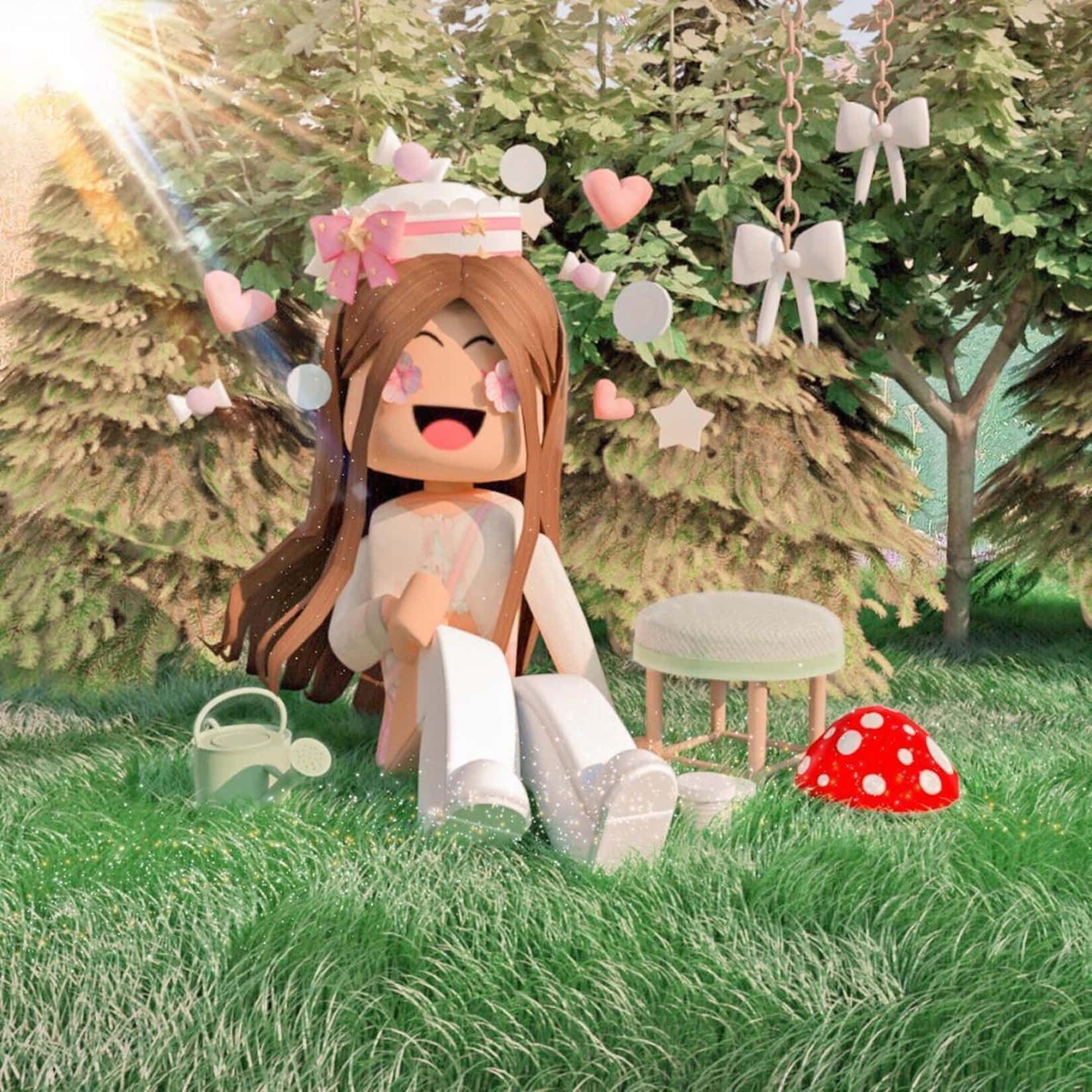
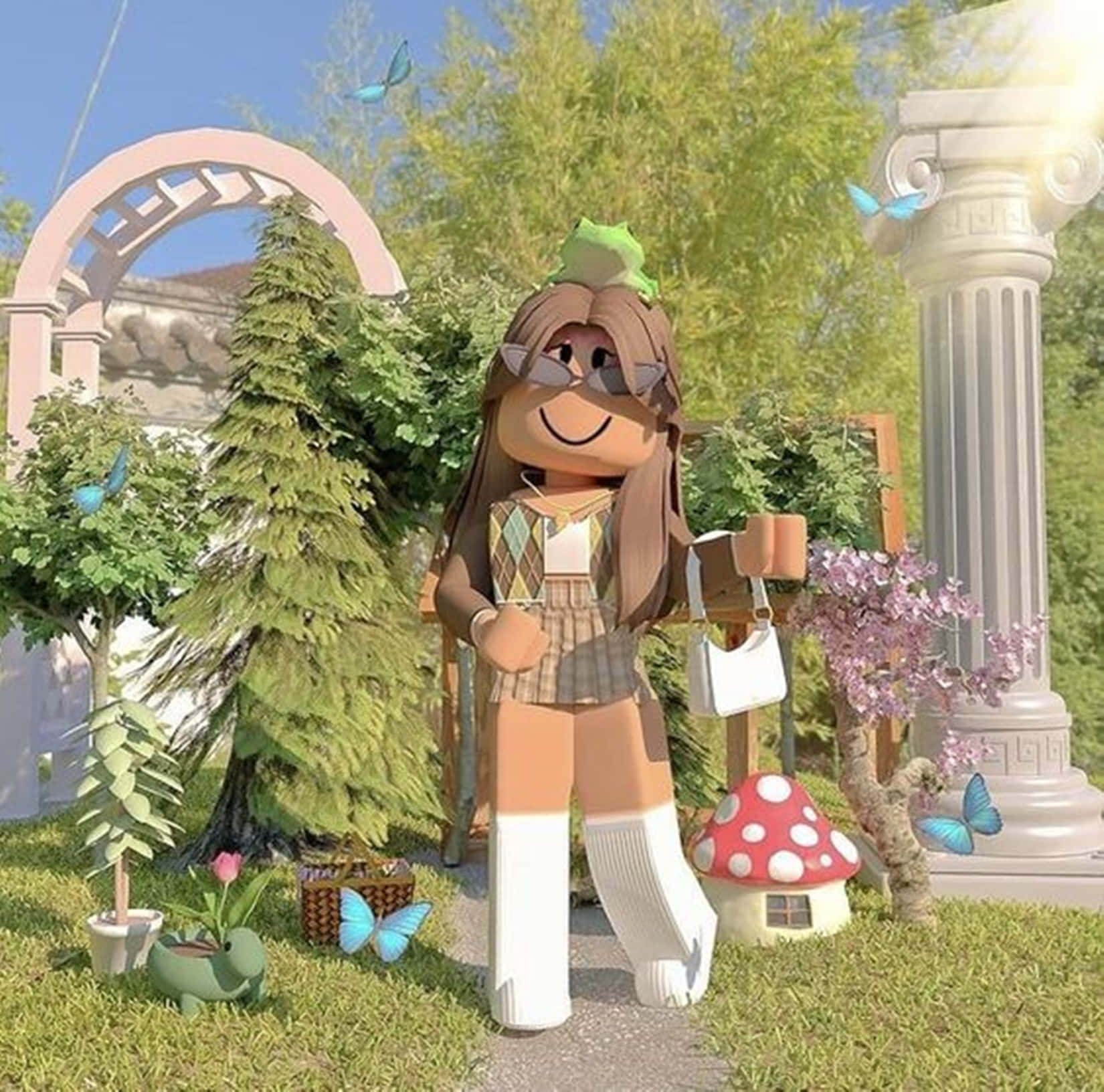
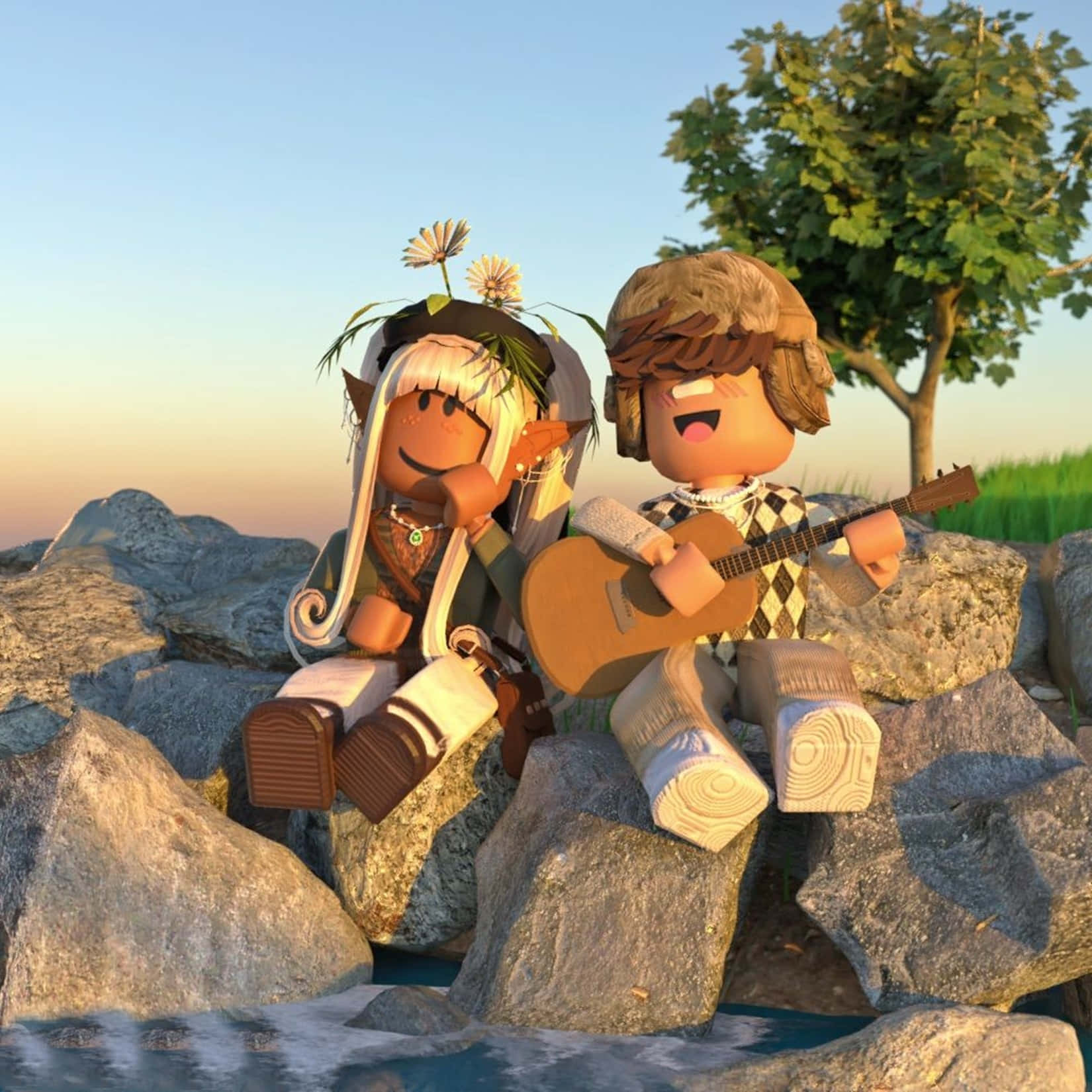
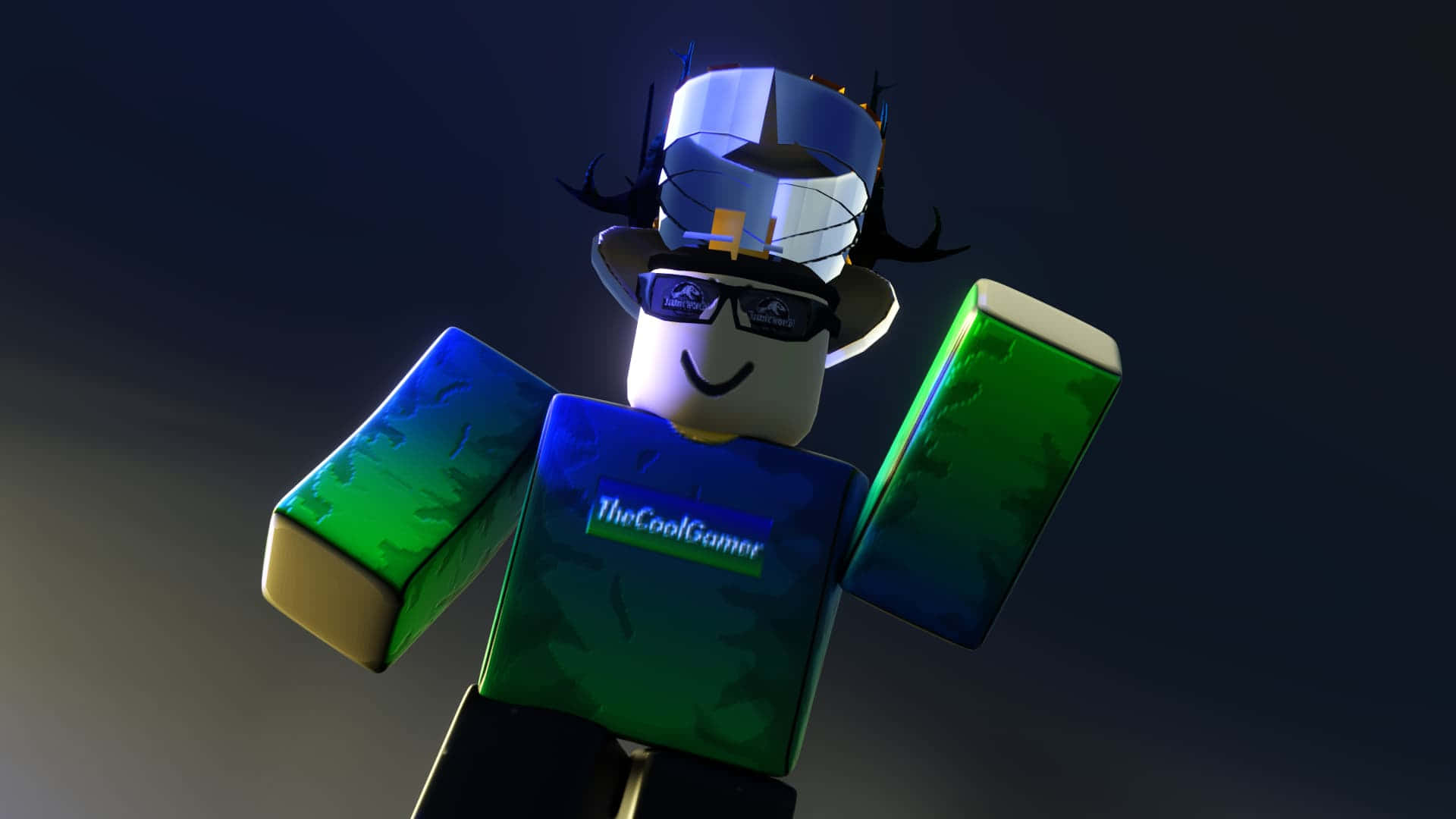

How To Create Stunning Roblox GFX Backrounds 2026 Guide Roblox Gfx . How To Create Stunning Roblox GFX Backrounds 2026 Guide Roblox Gfx . How To Create Stunning Roblox GFX Backrounds 2026 Guide Roblox Gfx . How To Create Stunning Roblox GFX Backrounds 2026 Guide Roblox Gfx 1920 X 1080 Background . Roblox Gfx Roblox GFX Roblox GFX Added A New Photo Roblox Gfx Render By Ryrylizzy Dfcxuof Fullview
#2 Gallery roblox gfx creator


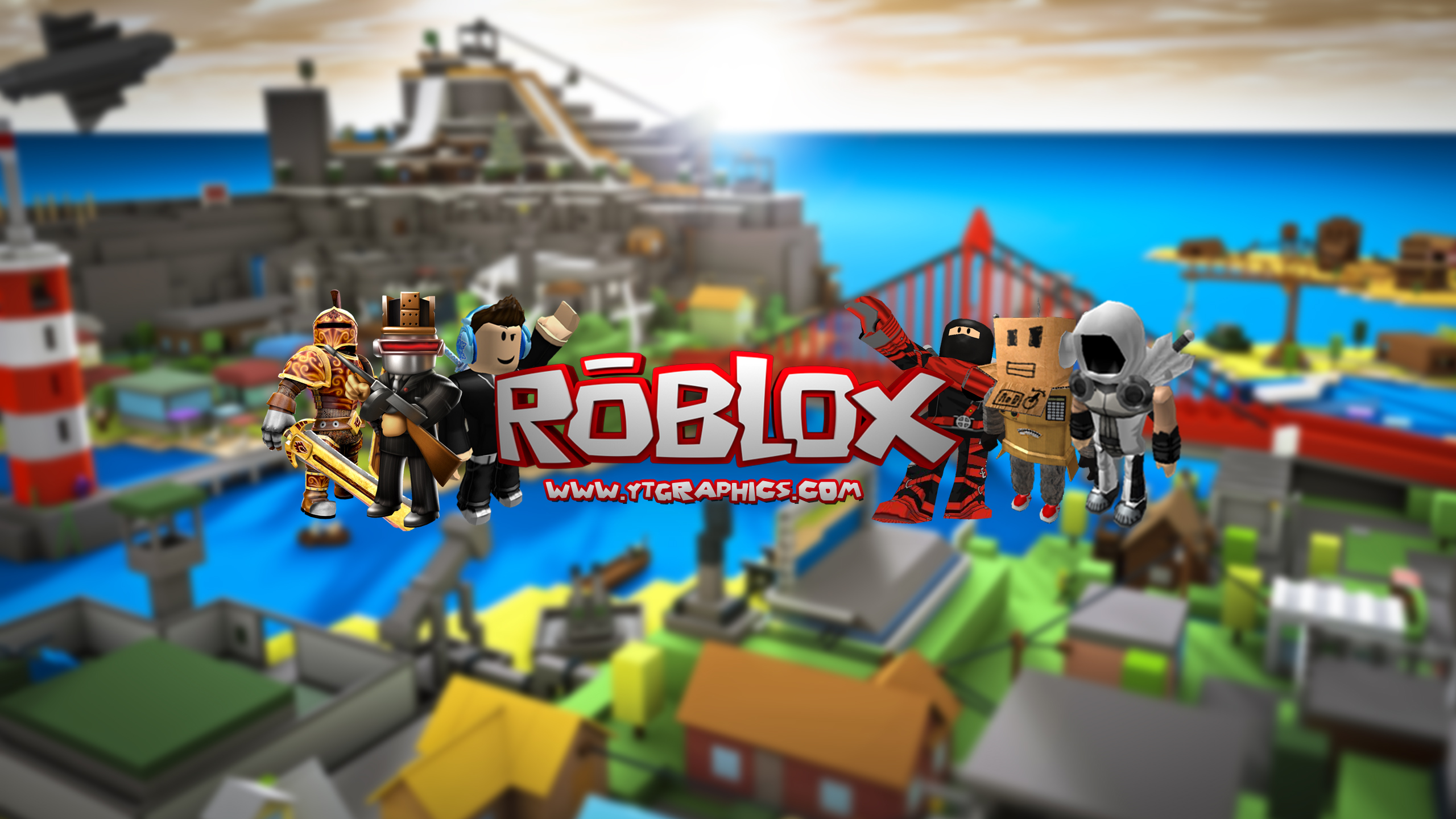
How To Make A Roblox Gfx 2025 2026 YouTube . GFX MAKER Play On Roblox NoFilter. Roblox Gfx By Badchaneel On DeviantArt Dfz36sh 1447d270 7d5e 4c30 9abb . Gfx Design Ytopaemaja ROBLOX 2026 IDDdZPUArNw . How To Create A Stunning Roblox YouTube Banner Guide Roblox
#3 Gallery roblox gfx creator
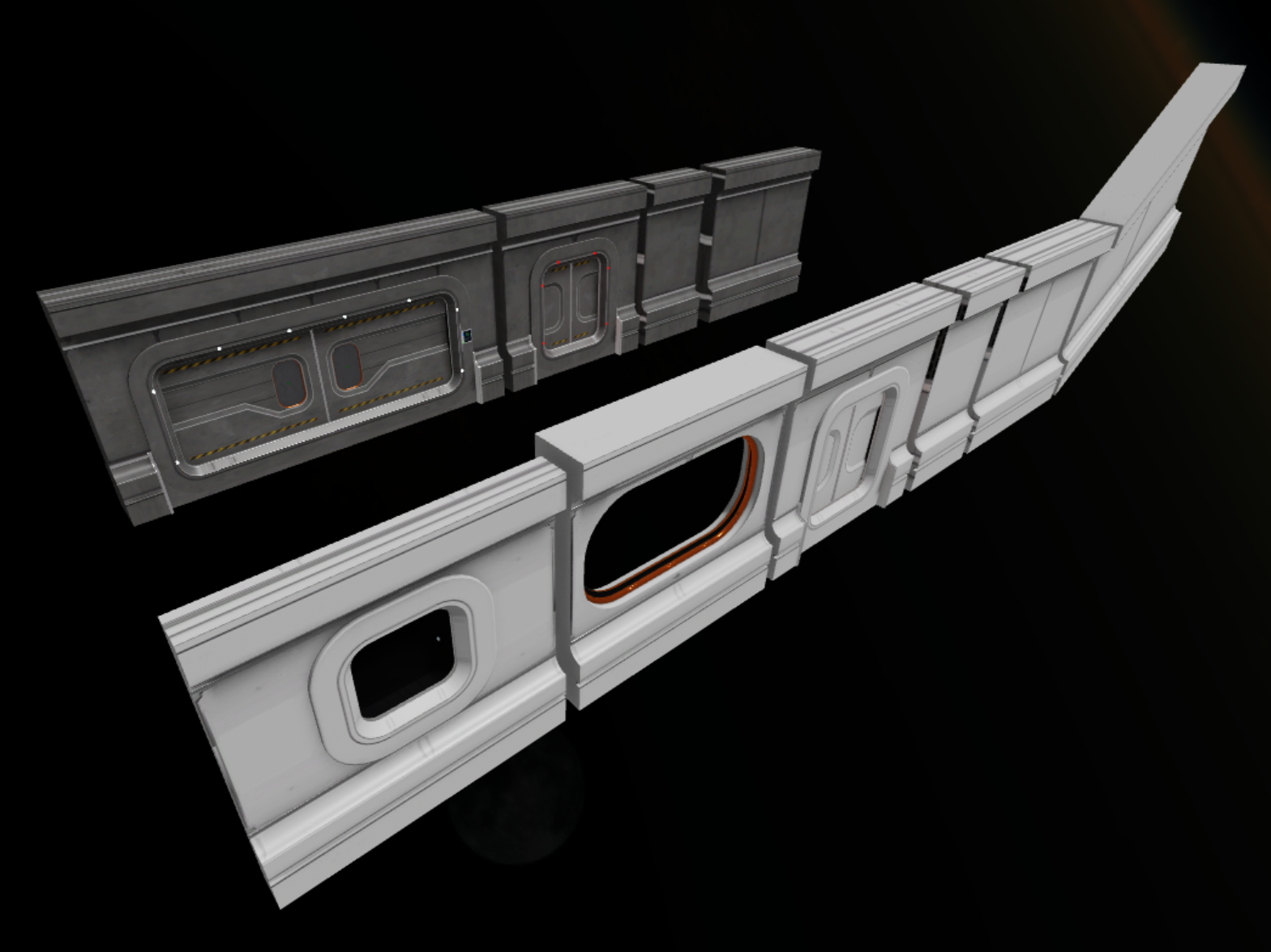
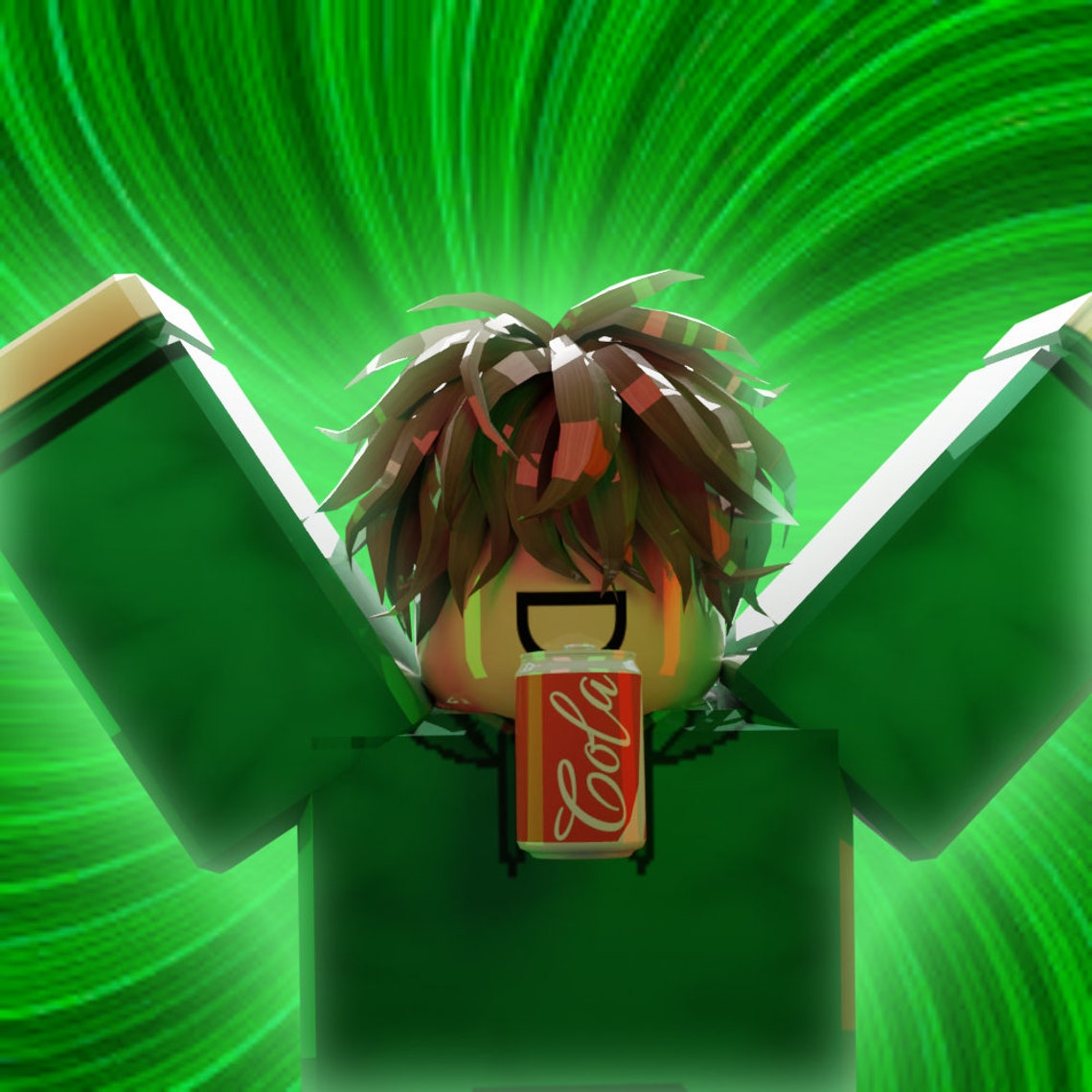

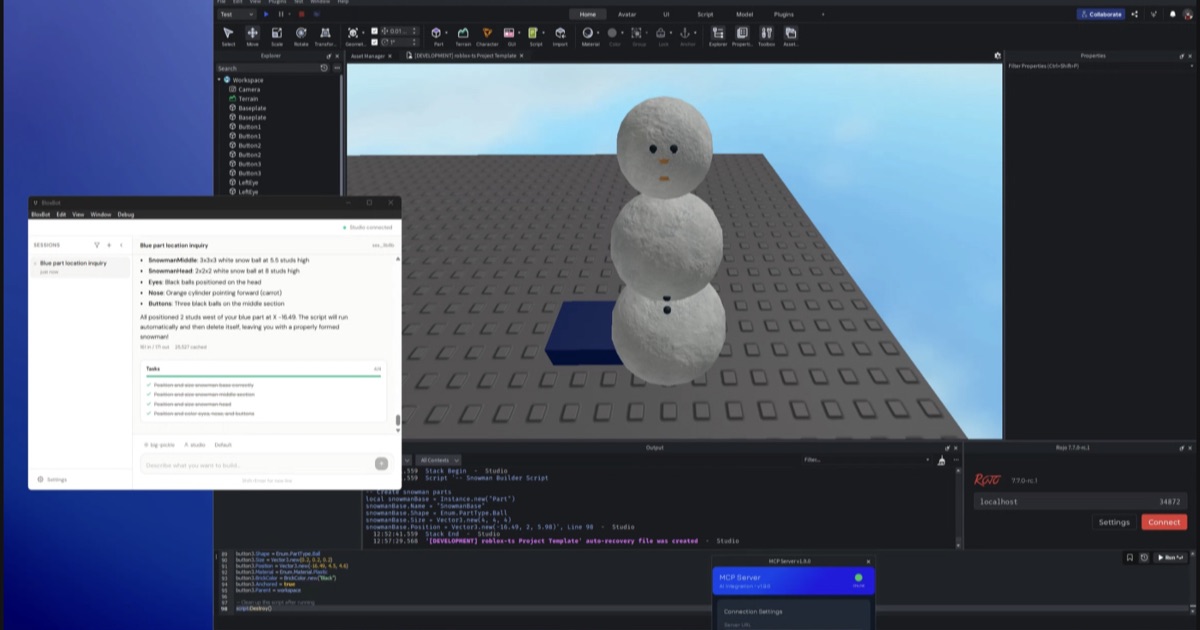
ROBLOX GFX . Guide To Roblox Building Epic Worlds 2026 Example 5 . Gfx Roblox Background Aesthetic Gfx Background Pretty Wallpapers Free Il Hboj . Guide To Roblox Building Epic Worlds 2026 TM 07169 Definitive Guide To Roblox 2026 . Roblox Spring 2026 Creator Roadmap 52 Features Shipped BloxBot Guide Og
#4 Gallery roblox gfx creator


How To Master In Roblox Studio Example 7 . Roblox Gfx Logo Maker Roblox Canadian Army Gfx Do Roblox Gfx Thumbnails To Profile Pics . How To Master Roblox Custom Scripting In 2026 Guide Learn Roblox Scripting Web Copy . Roblox Gfx Baddies Roblox Pfp Baddies Roblox Game Logo Roblox Pfp Ideas . How To Make ROBLOX GFX 2024 YouTube
#5 Gallery roblox gfx creator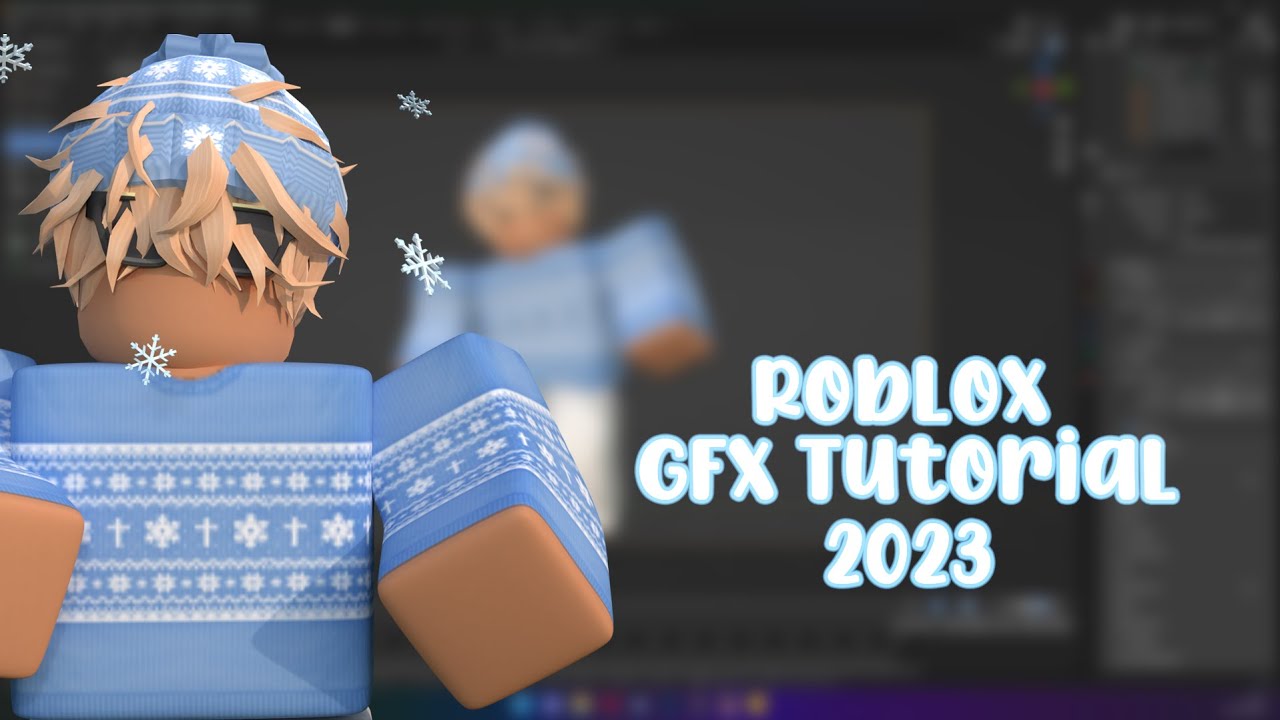

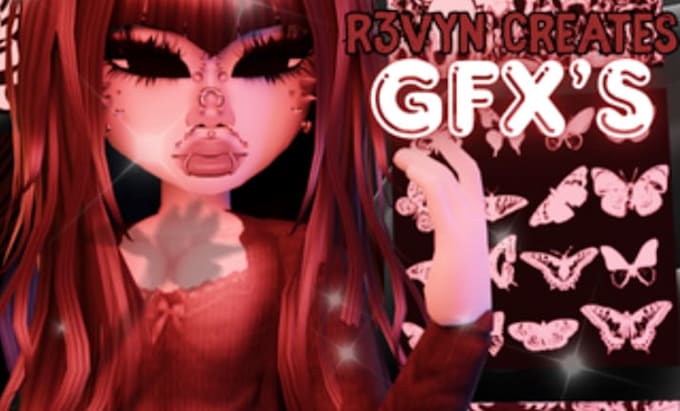
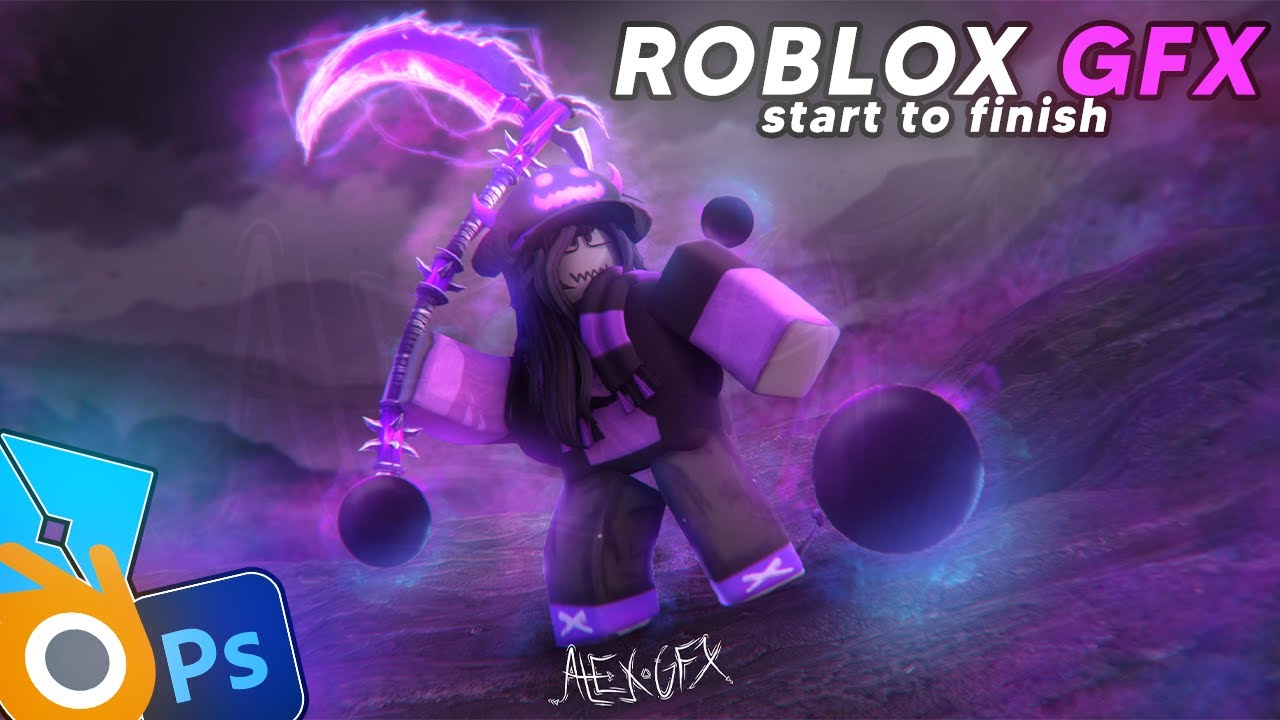
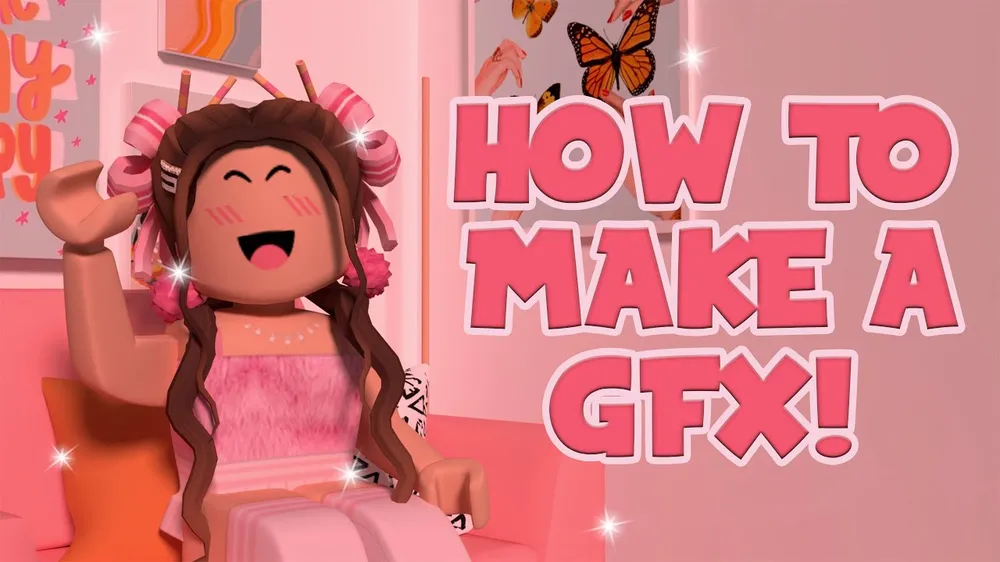
How To Make Roblox GFX Blender 3 4 2023 YouTube . Create A Roblox Gfx By Fiverr Create A Roblox Gfx . Create A Custom Made Roblox Gfx By Fiverr Create A Custom Made Roblox Gfx . How To Make A Roblox GFX From Start To Finish YouTube . How To Create A GFX In Roblox Ultimate Guide How To Make A
#6 Gallery roblox gfx creator
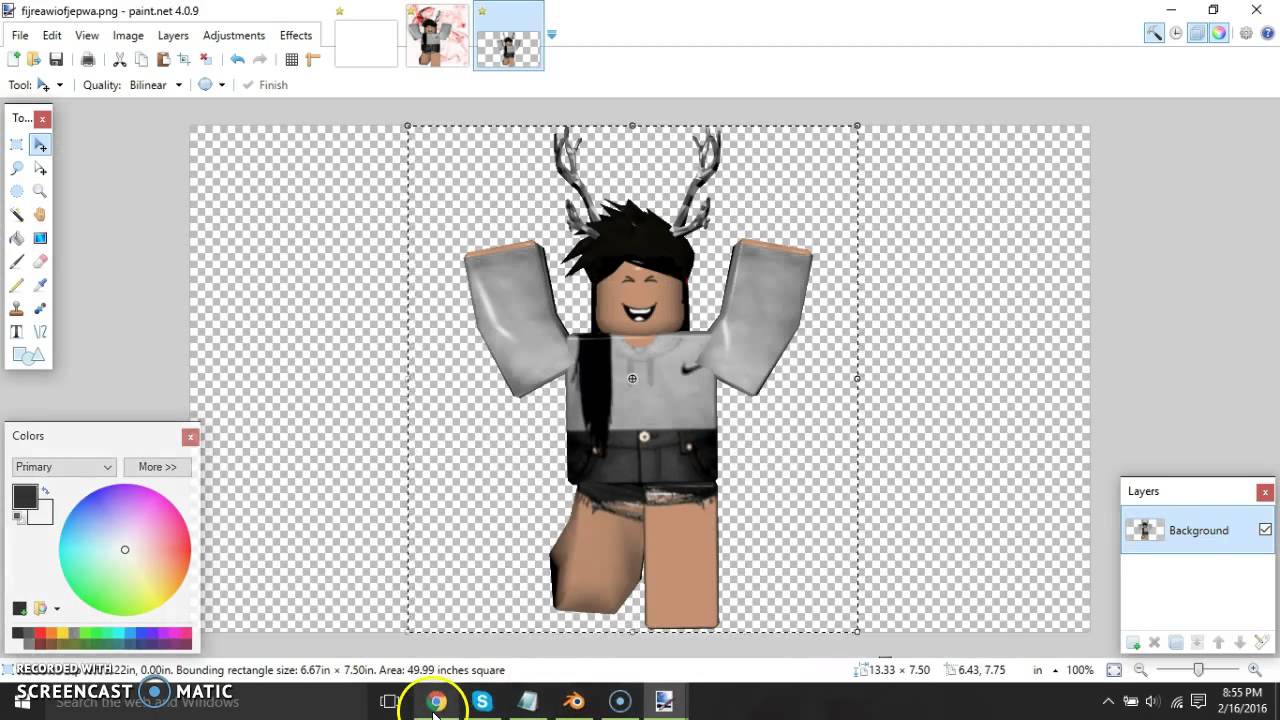
Avatar Graphics Creator Roblox Game Rolimon S NoFilter. How To Fix Roblox Graphics Settings 2026 QUICK FIX YouTube . Avatar Graphics Creator Codes Codes June 2026 NoFilter. Gfx Logo Maker 10 Free Cliparts Download Images On Clipground 2026 Roblox Logo Maker 2 . GFX Maker Animations Avatar Editor For ROBLOX Game Download Gfx Maker Animations Avatar Editor Logo
#7 Gallery roblox gfx creator


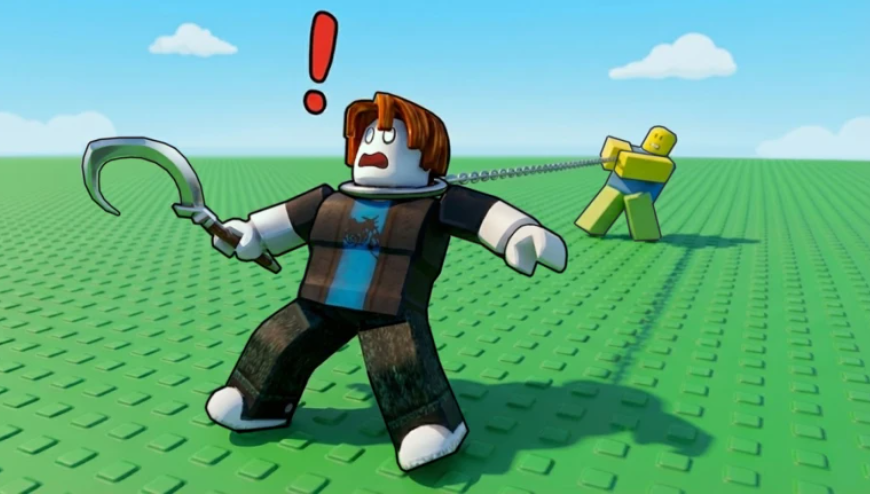
Roblox GFX In 2025 Roblox Avatar F X . How To Create A GFX In Roblox Studio 2024 YouTube . How To Make ROBLOX GFX For Beginners Tutorial YouTube . Guide 20 Best Roblox Animations 2026 10 Best Roblox Animation Packages In 2022 . Roblox Is Set To Use AI Graphics To Help Create Roblox Hooked Codes March 2026