Ever wonder if Roblox is down or if it is just your internet connection acting up? Discover real-time methods to check Roblox server status and troubleshoot common issues so you can get back to building and playing without delay. This guide helps gamers quickly determine if the Roblox platform is experiencing outages, affecting millions of players globally. Learn how to use official resources, third-party status trackers, and community forums to stay informed about server performance. Understand why server downtime occurs, what it means for your gameplay, and simple steps you can take to diagnose problems on your end. Get quick answers to questions like "are the Roblox servers up" and ensure your gaming sessions remain uninterrupted, balancing your busy life with valuable play time, just like the average 36-year-old gamer who seeks relaxation and fun.
Are Roblox servers currently down?
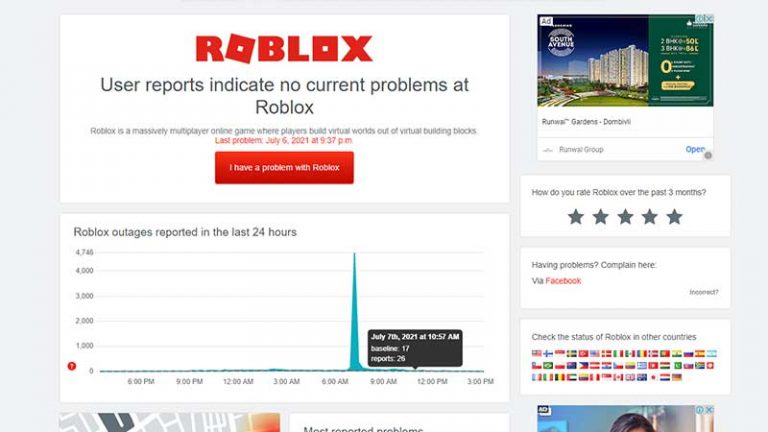
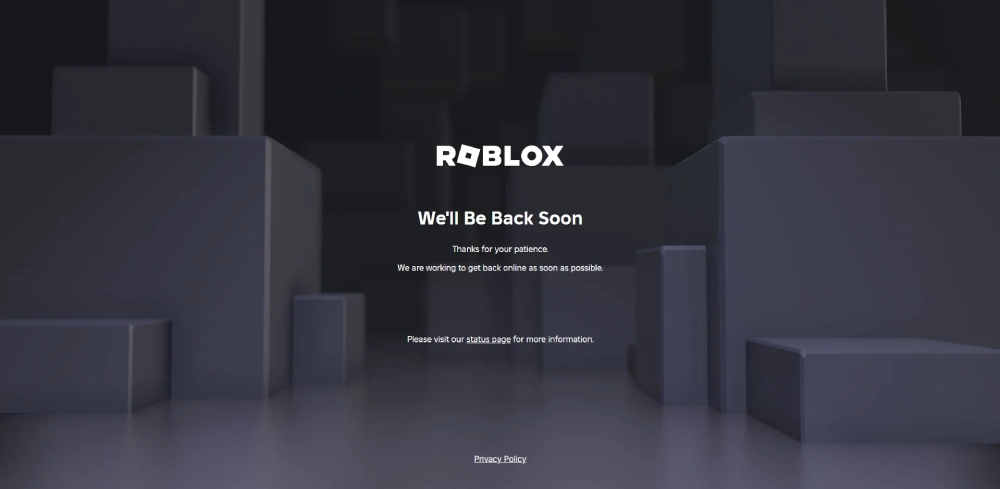
To check if Roblox servers are currently down, the most reliable method is to visit the official Roblox Status page at status.roblox.com. This page provides real-time updates on any system outages, performance degradations, or scheduled maintenance. You can also monitor the official @Roblox and @Roblox_Status accounts on X (formerly Twitter) for immediate announcements and information directly from Roblox. Third-party sites like Downdetector can offer a crowd-sourced perspective, showing if other users are reporting issues, which helps confirm if the problem is widespread or specific to your connection.
How do I check Roblox server status?
You can check Roblox server status by heading to the official Roblox Status website at status.roblox.com, which details the current operational state of various services. Alternatively, follow @Roblox and @Roblox_Status on X (Twitter) for instant updates directly from the Roblox team. For a quick, community-driven check, search "Roblox Downdetector" to see if many users are reporting problems, indicating a potential widespread outage. These resources help you quickly determine if the issue is on Roblox's end or yours.
Why is Roblox not loading for me?
If Roblox is not loading for you, it could be due to a few reasons. First, check if the Roblox servers are down using official status pages or social media. If servers are up, the problem is likely on your end. This could be a weak or unstable internet connection, an outdated Roblox client, corrupted game files (which clearing cache or reinstalling can fix), a firewall or antivirus blocking the connection, or even a temporary glitch on your device. Restarting your router and device are good first steps.
Is Roblox experiencing an outage right now?
To confirm if Roblox is experiencing an outage right now, always consult the official Roblox Status page (status.roblox.com). This is where Roblox directly communicates about any service disruptions. You can also check their official X (Twitter) accounts, @Roblox and @Roblox_Status, which are frequently updated during major incidents. If these sources confirm an outage, then it's a platform-wide issue. If not, the problem is likely localized to your network or device.
What's the official Roblox server status page?
The official Roblox server status page is status.roblox.com. This dedicated page provides up-to-date information on the operational status of all Roblox services, including the website, game client, and various in-game functions. It's the most authoritative source to check for any outages, performance issues, or scheduled maintenance directly from Roblox. Always bookmark this page for quick access when you suspect connectivity problems.
What Are the Common Signs That Roblox Servers Are Experiencing Issues?
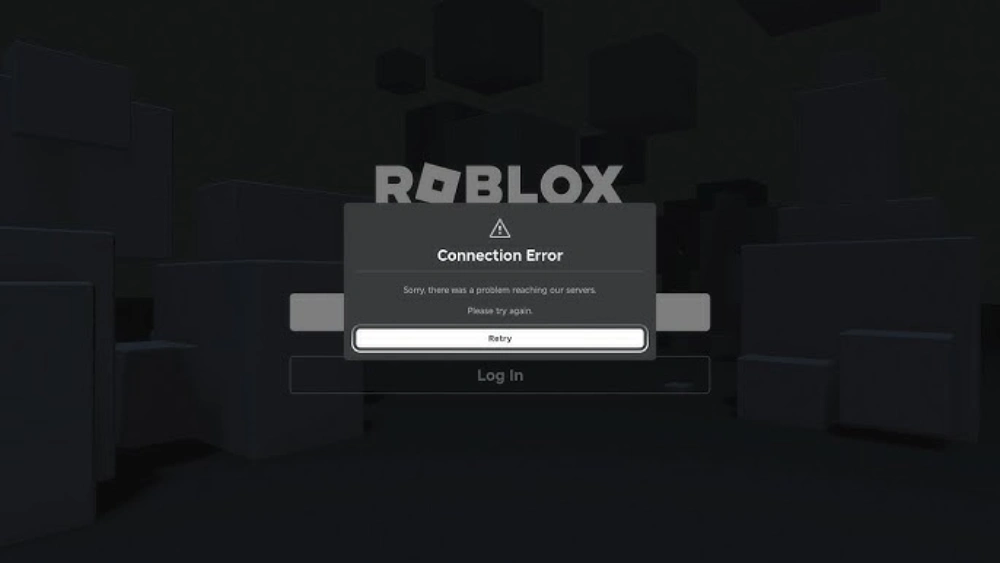
Recognizing the signs of Roblox server issues can save you troubleshooting your own system unnecessarily. Common indicators include being unable to log in, games failing to load, frequent disconnections during gameplay, extremely high ping, error messages like "HTTP 503 Service Unavailable" or "Connection Failed: Could not connect to the game," and the Roblox website itself being slow or unresponsive. If you notice these symptoms across multiple experiences or the main website, it's a strong hint that the problem might be with Roblox's infrastructure rather than your local setup. Always cross-reference with status checkers to confirm.
How Can I Distinguish Between a Roblox Server Outage and My Own Internet Problem?
It's a classic gamer dilemma: is it them or is it me? To distinguish, try accessing other online services and websites. If everything else (like YouTube, Netflix, other online games, or even a general web search) works perfectly, but Roblox doesn't, it points towards a Roblox server issue. However, if your entire internet connection is down, or you can't access any online content, then the problem is with your own internet service provider (ISP) or home network setup. A quick check on your phone's data connection for Roblox can also help rule out your home Wi-Fi as the culprit.
What Steps Can I Take If Roblox Is Down for Everyone?
If you've confirmed that Roblox is down for everyone, the most important step is patience. Avoid repeatedly trying to log in or launching games, as this can sometimes add to server strain. Instead, monitor the official Roblox Status page and their X (Twitter) accounts for updates on the outage and an estimated time to resolution. Use this downtime to take a break, engage with your gaming community on platforms like Discord (where you can discuss the outage and other games), or switch to a single-player game. Remember, Roblox's team is working hard to restore service, and your patience is appreciated.
Why Do Roblox Servers Go Down Occasionally?
Roblox servers go down occasionally for a variety of reasons common to any large-scale online service. These can include scheduled maintenance to upgrade systems and deploy new features, which are usually announced in advance. More unexpectedly, issues can arise from unforeseen technical glitches, hardware failures, or network problems. Sometimes, incredibly high traffic spikes during major events or unexpected DDoS attacks can also overwhelm servers. Despite Roblox's robust infrastructure designed for millions of users, occasional disruptions are an unavoidable part of managing such a dynamic and expansive global platform.
Will I Lose My Robux or Game Progress If Roblox Servers Are Down?
Generally, no, you will not lose your Robux or significant game progress if Roblox servers are down. Roblox has robust systems in place to ensure the integrity of user data and transactions. If you made a Robux purchase just before or during an outage, it might be delayed but should be credited once services are restored. Similarly, most game experiences utilize frequent auto-saves, so while you might lose a few moments of unsaved progress, major data loss from server downtime is extremely rare. If you experience persistent issues with purchases after an outage, contact Roblox Support with your transaction details.
Are There Any Tools or Apps to Monitor Roblox Server Status Automatically?
While Roblox doesn't offer an official app for real-time status alerts, several third-party services and websites provide monitoring and notification features. Websites like Downdetector or IsItDownRightNow allow you to check current status and, in some cases, sign up for email alerts when a service goes down or comes back online. Additionally, by following the official @Roblox_Status account on X (Twitter) and enabling notifications for their posts, you can receive instant updates directly on your mobile device, making it easier to stay informed without constantly checking manually.
There's nothing quite like settling down for a gaming session after a long day of work, only to be met with connection errors or slow loading screens. For millions of US gamers, Roblox is a go-to platform for creative expression, social interaction, and endless fun. But what happens when you type "are the Roblox servers up" into your search bar, desperately trying to figure out why you can't join your friends or access your favorite experiences? It's a common pain point for busy adults who juggle jobs and families, looking for that valuable downtime to unwind. You want to jump in, relax, maybe build some virtual worlds, or even level up some skills with your guild, not spend precious minutes troubleshooting. This comprehensive guide is here to help you quickly determine the status of Roblox servers and tackle any related issues, ensuring your gaming time is spent playing, not waiting.
Understanding whether Roblox's servers are truly down or if the problem lies with your own connection can save you a lot of frustration. With 87% of US gamers regularly dedicating 10+ hours a week to their passion, uninterrupted play is crucial. We'll explore reliable methods to check server status, explain common reasons for connectivity issues, and provide practical steps to get you back in the game faster. Let's make sure your valuable gaming moments aren't wasted wondering "are the Roblox servers up".
How Do I Check if Roblox Servers Are Down?
When you're facing connection problems, the first step is always to verify if the issue is widespread or specific to you. The most reliable way to check if Roblox servers are up is by visiting official and trusted third-party status pages. These resources provide real-time updates and historical data on service performance.
- Official Roblox Status Page: The Roblox Status page is the official, most reliable source for information on service interruptions. This page will show system outages, degradations, and maintenance notices across various components like the website, game client, and in-game services. Always check this first.
- X (formerly Twitter): Follow the official @Roblox and @Roblox_Status accounts. Major outages are almost always announced here quickly, often with updates on estimated resolution times.
- Third-Party Status Trackers: Websites like Downdetector and IsItDownRightNow gather user reports and provide a crowd-sourced view of service availability. While not official, they can quickly indicate widespread issues if many users are reporting problems concurrently. Just search "Roblox Downdetector" for quick access.
By checking these sources, you can quickly determine if the problem is on Roblox's end, saving you from unnecessary troubleshooting on your system and optimizing your limited gaming time.
Why Would Roblox Servers Be Down? Common Causes Explained
Roblox servers can experience downtime for a variety of reasons, ranging from planned maintenance to unexpected technical difficulties. Understanding these causes can help manage expectations and provide context for why you might be unable to connect.
- Scheduled Maintenance: Like any large online service, Roblox periodically performs maintenance to update systems, improve performance, and implement new features. These are typically announced in advance and usually occur during off-peak hours to minimize disruption for adult gamers balancing jobs and families.
- Unforeseen Technical Issues: Software bugs, hardware failures, or network problems can lead to unexpected outages. These can be challenging to diagnose and resolve, leading to unpredictable downtime.
- High Traffic Volume: While Roblox's infrastructure is designed to handle millions of concurrent users, sudden spikes in player activity (e.g., during major events, game launches, or peak times) can sometimes overwhelm servers, causing lag or temporary outages.
- Cyberattacks (DDoS): Malicious Distributed Denial of Service (DDoS) attacks can flood servers with traffic, making them unavailable to legitimate users. Roblox, like many major platforms, invests heavily in security but can still be targeted.
- Regional Network Problems: Sometimes, the issue isn't with Roblox itself, but with broader internet service provider (ISP) problems in specific regions, which can make it seem like Roblox is down for you.
Roblox engineers work tirelessly to ensure maximum uptime, but occasional disruptions are an unavoidable part of managing such a massive online platform enjoyed by players across all demographics who value relaxation and social play.
What Should I Do If Roblox Servers Are Officially Down?
If you've confirmed that Roblox servers are indeed experiencing an outage, the best course of action is patience. Actively trying to connect repeatedly can sometimes exacerbate the problem for both you and the system. Instead, consider these steps:
- Monitor Official Channels: Keep an eye on the official Roblox Status page and their X (Twitter) accounts for updates on the situation and estimated recovery times. This helps busy gamers stay current without hype.
- Avoid Unnecessary Troubleshooting: Don't waste time resetting your router, reinstalling the game, or fiddling with your firewall settings if the problem is on Roblox's end. This saves you effort and potential frustration, freeing up time for other commitments.
- Engage with the Community (Respectfully): If you're looking for camaraderie or real-time chatter, check out popular gaming subreddits or Discord servers dedicated to Roblox. Other players will likely be sharing their experiences and any new information they've found. Remember to keep discussions constructive and avoid spreading misinformation.
- Take a Break or Try Another Game: Use the downtime as an opportunity to step away from the screen, catch up on other tasks, or explore other games. Many adult gamers find solace in diverse gaming experiences, from cozy simulations to competitive esports titles, especially when their primary platform is unavailable. Consider popular social or free-to-play options trending this month.
Remember, these outages are usually temporary, and Roblox's team is typically working hard to restore services as quickly as possible. Your patience helps them focus on the fix.
Are There Any Quick Fixes for My Connection If Roblox Is Up?
If "are the Roblox servers up" checks indicate everything is fine on their end, but you're still facing issues, the problem likely lies with your local network or device. Here are some common troubleshooting steps that can resolve many connectivity problems, helping you optimize performance and save precious gaming time:
- Restart Your Router/Modem: A classic IT solution, but effective. Unplug your internet router and modem, wait 30 seconds, then plug them back in. This can clear up many temporary network glitches that impact your connection.
- Restart Your Device: Whether you're on PC, mobile, or console, a full restart can resolve temporary software conflicts or memory issues impacting your connection, offering a fresh start.
- Check Your Internet Connection: Run a speed test (e.g., Speedtest.net) to ensure your internet service is working as expected and providing sufficient bandwidth. If speeds are unusually low, contact your ISP.
- Clear Roblox Cache: Corrupted game files or cache can sometimes cause issues.
- For PC: Press Windows + R, type `%localappdata%\Roblox\logs` and `%localappdata%\Roblox\Versions`, and delete temporary files if safe to do so. Or simply reinstall Roblox for a fresh start.
- For Mobile: Go to your device settings, find the Roblox app, and clear its cache.
- Disable VPN/Proxy: If you're using a VPN or proxy server, try disabling it temporarily. These can sometimes interfere with game connections, especially if the server is congested or located far from you.
- Update Network Drivers (PC): Ensure your network adapter drivers are up to date. Outdated drivers can lead to connectivity instability and performance problems.
- Check Firewall/Antivirus: Make sure your firewall or antivirus software isn't blocking Roblox. You might need to add Roblox to an exception list, especially if you've recently updated your security software.
These steps address common client-side or local network issues, helping you regain access to Roblox faster when the servers themselves are operational. For gamers balancing life, these quick fixes are crucial for efficient play.
How Does Roblox Maintain Its Server Infrastructure?
Maintaining a global platform like Roblox, which supports millions of concurrent users across a vast array of experiences, requires a sophisticated and robust server infrastructure. Roblox employs a multi-faceted approach to ensure high availability, performance, and scalability, critical for skill-building and social play.
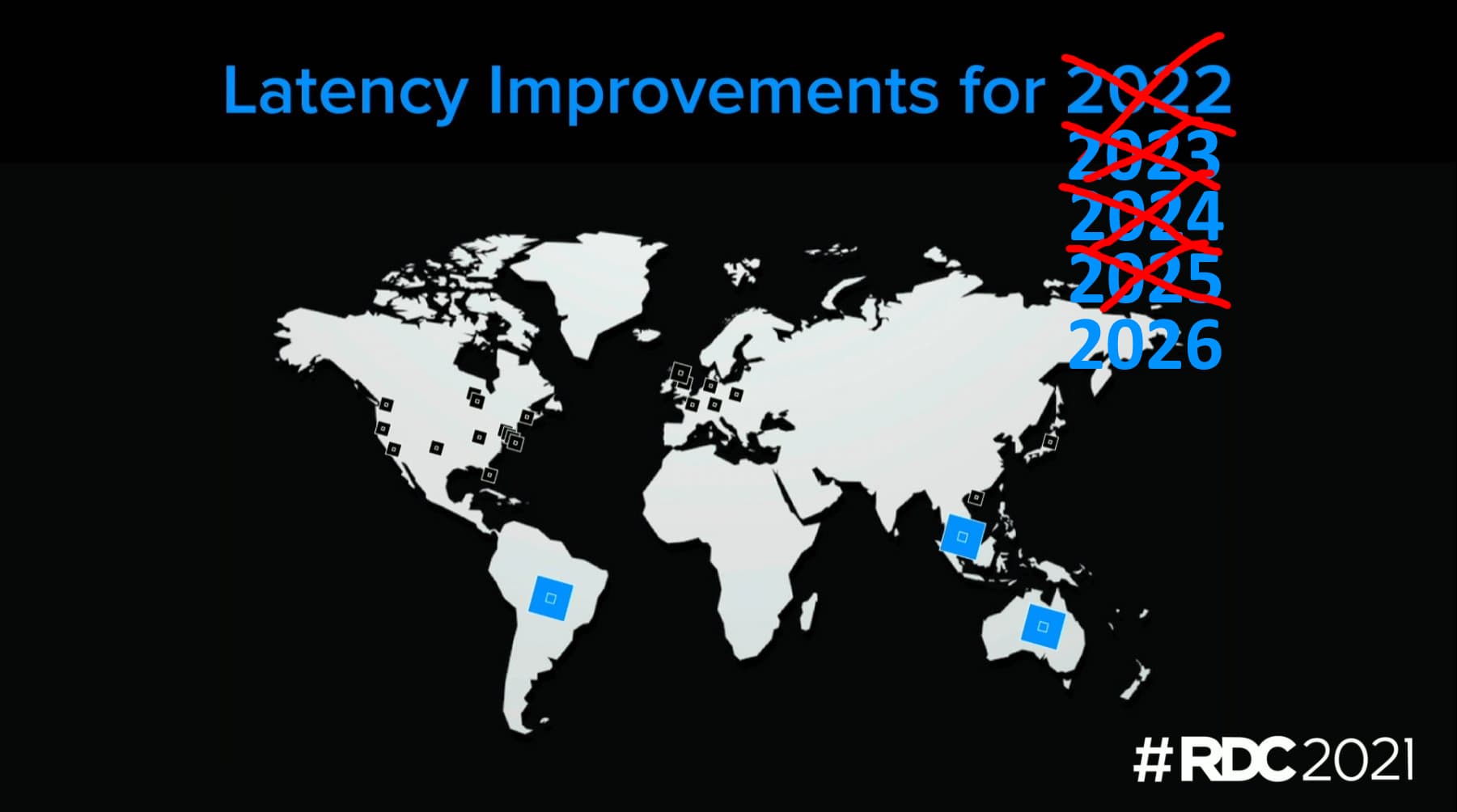
- Global Data Centers: Roblox utilizes a network of data centers strategically located around the world. This geographical distribution minimizes latency for players by connecting them to the nearest server, enhancing the overall gaming experience, especially for social play.
- Cloud Services and Hybrid Architecture: While Roblox operates its own data centers, it also leverages cloud computing services to handle dynamic scaling and burst traffic. This hybrid approach provides flexibility and resilience, adapting to fluctuating player numbers.
- Content Delivery Networks (CDNs): CDNs are used to efficiently deliver game assets, ensuring faster loading times and reduced strain on core servers, which is vital for a platform with user-generated content.
- Load Balancing: Sophisticated load balancers distribute incoming player connections and game traffic across multiple servers, preventing any single server from becoming overwhelmed.
- Automated Monitoring and Alerting: Roblox's operations teams use advanced monitoring tools to track server health, performance metrics, and potential issues in real-time. Automated alerts notify engineers of anomalies, allowing for rapid response to prevent or mitigate outages.
- Continuous Integration/Continuous Deployment (CI/CD): Roblox frequently deploys updates and fixes. A robust CI/CD pipeline ensures that these changes are thoroughly tested and rolled out efficiently, minimizing disruption.
This intricate system is designed to provide a seamless and reliable experience for its vast and diverse player base, allowing adult gamers to easily jump into their favorite experiences without extensive setup hassles, truly valuing their time.
What Impact Does Server Status Have on In-Game Purchases or Robux?
When Roblox servers are down, it can understandably cause concern, especially for players who have recently made in-game purchases or are looking to buy Robux. Here's what you need to know about value for money and potential issues:
- Robux Purchases: If you purchase Robux during an outage, the transaction might not immediately reflect in your account. However, your purchase is typically recorded by the payment processor. Once servers are restored, your Robux should be credited. Avoid attempting multiple purchases during an outage to prevent accidental double-billing.
- In-Game Purchases: Similar to Robux, if you try to buy an item or game pass during downtime, the transaction may not complete or register. Wait until servers are fully operational before making in-game purchases to ensure they are properly processed and delivered, avoiding common pain points related to spending smart.
- Lost Progress: While rare, in extreme or prolonged outages, there's a minimal risk of losing very recent, unsaved game progress if the server crashed before it could fully record your actions. However, most modern games and experiences on Roblox have robust auto-save features. Major data loss across the platform due to an outage is highly unlikely.
- Refunds/Support: If you experience any issues with purchases after an outage, always contact Roblox Support directly. They can verify transactions and assist with any discrepancies. Keep your purchase receipts or transaction IDs handy to ensure a smooth resolution.
Generally, Roblox has systems in place to ensure that monetary transactions are secure and robust, even when facing server instability. Your virtual currency and purchases are usually safe, just delayed in processing until full service is restored, aligning with the budget-friendly options many Gen Z/Millennial gamers seek.
How Can I Minimize Downtime Frustration as a Busy Gamer?
For adult gamers balancing jobs, families, and life, every minute of gaming time is precious. Server downtime, even if brief, can be a major source of frustration. Here are some tips to minimize its impact and make the most of your limited gaming windows, focusing on relaxation and fun:
- Stay Informed, Don't Obsess: Bookmark the official Roblox Status page or their X (Twitter) handle. A quick check is enough. Avoid constantly refreshing or trying to connect, which can add to your stress and detract from your valuable relaxation time.
- Diversify Your Gaming Library: Have a few other go-to games ready on different platforms (mobile, PC, console). If Roblox is down, jump into a different title. Many free-to-play options or single-player games can fill the gap, providing alternative stress relief. Consider popular cozy games or recent releases you've wanted to try.
- Plan for Offline Activities: Use unexpected downtime as an opportunity for non-gaming activities. Read a book, catch up on a show, or spend time with family. This helps balance gaming with life.
- Connect with Your Gaming Community: Use Discord or other communication platforms to chat with your friends. If Roblox is down, you can still socialize, plan future sessions, or discuss other games. This builds social connections, a key aspect many adult gamers value, reflecting current social gaming trends.
- Optimize Your Home Network: Regularly check your internet speed, ensure your router firmware is updated, and consider a wired connection for your primary gaming device if feasible. A stable home network reduces "false alarms" where you think Roblox is down, but it's actually your Wi-Fi.
- Embrace Mobile Gaming: With mobile gaming dominating recent trends, having Roblox on your phone means you might experience issues differently than on PC. It also offers flexibility for quick gaming sessions during small breaks, regardless of your main platform, addressing Gen Z/Millennial realities of cross-play.
By adopting these strategies, you can reduce the disruption caused by server issues and ensure your gaming remains a source of relaxation and fun, not stress, optimizing your performance and enjoyment.
What's the Difference Between Roblox Downtime and My Internet Being Down?
Distinguishing between a Roblox server outage and a problem with your own internet connection is crucial for effective troubleshooting. Misdiagnosing the issue can lead to wasted time and effort, a common pain point for busy gamers.
- Roblox Downtime:
- Symptom: You can browse other websites and use other online services without issue, but Roblox games fail to load, the website is inaccessible, or you receive specific Roblox error codes (e.g., "HTTP 503 Service Unavailable" or "Connection Failed: Could not connect to the game").
- Verification: Official Roblox Status page, Downdetector, or X (Twitter) show widespread reports of outages. Your friends also report being unable to connect.
- Cause: Issues within Roblox's infrastructure (servers, network, software) affecting its global operations.
- Your Internet Being Down/Problematic:
- Symptom: You can't access any websites, other online games, or streaming services. Your Wi-Fi indicator might show no connection, or you experience extreme lag across all online activities.
- Verification: All other internet-dependent applications fail. Your internet provider's status page might indicate a local outage. Restarting your router doesn't resolve anything.
- Cause: Issues with your Internet Service Provider (ISP), your home router/modem, or your device's network settings impacting your entire household's connectivity.
A quick check of multiple online services is usually enough to differentiate. If only Roblox is affected, it's likely a platform issue. If everything is offline, it's your internet. Understanding this difference helps you direct your troubleshooting efforts correctly, allowing busy gamers to optimize their limited time for skill-building and social play.
When Can I Expect Roblox Server Issues to Be Resolved?
The resolution time for Roblox server issues can vary significantly depending on the nature and severity of the problem. While there's no fixed answer, here's what typically influences resolution times and how you can get an idea of when things might be back to normal, helping you stay current without hype.
- Type of Issue: Minor glitches or quick fixes might be resolved within minutes to an hour. Major outages, especially those caused by complex technical failures or cyberattacks, can take several hours, sometimes even longer, as engineers work diligently to identify the root cause and implement a stable solution.
- Communication from Roblox: Roblox's official channels (their Status page and X/Twitter accounts) are the best place to find updates. They often provide "Estimated Time to Resolution" (ETR) or at least communicate that they are aware of the issue and actively working on it. If no ETR is given, it means they're still assessing the situation.
- Severity and Scope: A localized issue affecting a small segment of users will likely be resolved faster than a global outage impacting millions. Global issues demand more resources and more extensive testing before services are fully restored.
- Phased Rollouts: Sometimes, services are restored in phases or regions to ensure stability. You might see some friends able to connect before others, which can be normal.
For adult gamers keen on staying current without buying into hype, the best approach is to trust official communications. Speculation in community forums can be misleading. Roblox is motivated to restore service quickly, as downtime impacts their business and player satisfaction, a key value for money consideration for many gamers.
Navigating the occasional turbulence of online gaming, especially when asking "are the Roblox servers up", is a shared experience for gamers worldwide. By leveraging official resources, understanding common causes of downtime, and implementing effective troubleshooting steps, you can significantly reduce the frustration of connectivity issues. Remember, your gaming time is valuable, and knowing how to quickly assess and react to server status empowers you to make the most of it. Whether you're building, socializing, or just unwinding, a smooth connection ensures your escape into the Roblox metaverse is always a positive one.
What's your biggest gaming challenge when servers go down? Comment below and share your tips!
How often do Roblox servers go down?
Roblox servers are generally quite stable, but like any massive online platform, occasional downtime occurs. Major, widespread outages are relatively rare, but minor glitches or localized issues might happen a few times a year. Most last for only a short period, and Roblox engineers work quickly to resolve them to minimize disruption for players.
Can my internet speed affect Roblox server connection?
Yes, your internet speed and stability can definitely affect your ability to connect to and play Roblox smoothly, even if the servers are up. A slow or unstable connection can cause lag, disconnections, or prevent games from loading properly, mimicking server issues and impacting your gaming experience. Ensuring a stable home network is crucial for optimal performance.
Is there a way to get notified when Roblox servers are back online?
Many third-party status tracking websites offer email or push notifications for Roblox status changes. Following official Roblox X (Twitter) accounts like @Roblox_Status and turning on notifications for their posts is another reliable way to stay informed when servers are restored, helping busy gamers get back in action quickly.
Why am I the only one experiencing Roblox connection issues?
If "are the Roblox servers up" checks confirm others are playing fine, your issue is likely local. It could be your internet connection, router, specific device, corrupted game client files, a restrictive firewall, or even a problem with a particular game experience's server rather than the entire Roblox platform.
Does Roblox have regional servers?
Yes, Roblox utilizes a distributed network of data centers globally. This means players connect to servers nearest to their physical location to minimize latency and improve performance. A regional issue might affect players in one area but not another, optimizing connection speeds and gameplay for its diverse user base.
Can a game update cause Roblox servers to go down?
While Roblox aims for seamless updates, sometimes major game engine updates or platform-wide feature rollouts can introduce unforeseen bugs or require server restarts that might briefly impact service availability. These are usually planned during off-peak hours and quickly resolved by the development teams to restore full functionality.
Real-time Roblox server status checks, Official and third-party monitoring tools, Common troubleshooting steps for connectivity issues, Understanding server downtime impact, Community resources for updates, Tips for uninterrupted gameplay, Balancing gaming with life, Optimizing performance for busy gamers.
35


Are Roblox Servers Down Check Server Status 2026 Roblox Server Status How To Check If Roblox Is Down . Brazil Servers Coming Early 2026 Developer Forum Roblox . Is Roblox Down How To Check Server Status Fix Connection Errors Roblox Error Server.webp. Are Roblox Servers Down Check Server Status 2026 Roblox 768x432 . Is Roblox Shutting Down In 2026 Latest Updates Roblox Shutting Down


Is Roblox Server Down How To Check Status And Fix Issues Servers Down V0. How Long Does A Private Server Last In Roblox The Tube . How To FIND Roblox SERVER REGION WORKING 2026 YouTube . Roblox Says It Identified Underlying Internal Cause Of Outage Gaming . Why Is Roblox Down Right Now What S Happening Roblox Is Down 1.webp


Roblox Server Status Roblox Servers Down Patch Crazy Roblox Server Status Roblox Servers Down . HOW TO FIND ROBLOX SERVER REGION 2026 FULL GUIDE YouTube . Are Roblox Servers Down Check Server Status 2026 Roblox Twitter 768x432 . How To Fix Roblox Connection Error Problem Reaching Servers In 2026 . What Caused The Biggest Roblox Outage In 2021 Roblox Down



How Long Is Roblox Gonna Be Down For Now Roblox Is Down 3.webp. Roblox Server List Extension Level Up Your Game 2 690x386 . Roblox In 2026 Play On Roblox NoFilter. How To Fix Roblox Private Servers Not Working 2026 Fix Roblox Private Servers Not. Unlocking Roblox Animation Power With Moon Animator Up To Date 2026 SL1500



How To Restart A Roblox Private Server 2026 East Steps YouTube . Is Roblox Down Now Are Servers Issues Roblox Servers Status How To Check If Roblox Is Online Or Down.webp. Roblox Is Down Right Now January 5 2026 Beebom Roblox Is Down Server Status . Roblox 2026 Logo REVEALED New Color New Look YouTube Maxres2 . How To Rejoin The Same Server In Roblox Updated 2026 Guide YouTube



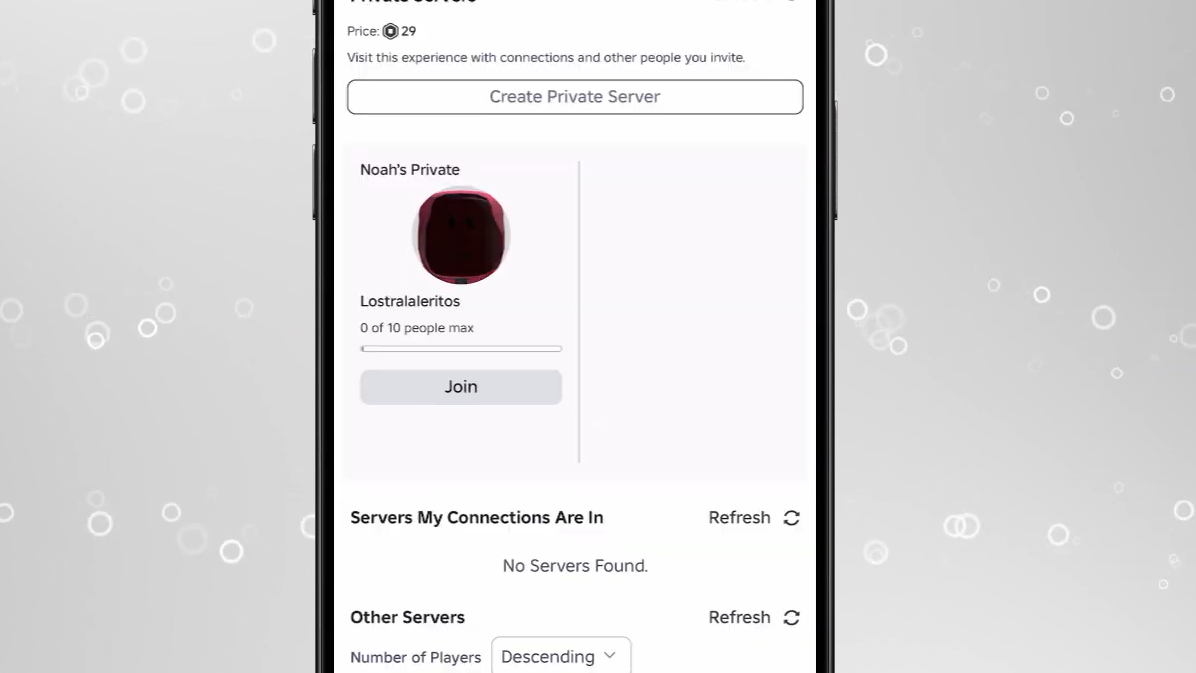
How To Delete A Private Server In Roblox A 2026 Guide . Is Roblox Server Down How To Check Status And Fix Issues TechWiser Is Roblox Server Down.webp. Roblox Cloning What Developers Should Know In 2026 1200x1769 . How To Use Private Servers In Brainrot Evolution On Roblox 2026 Image 365 1 . How To Use Private Servers In Brainrot Evolution On Roblox 2026 Image 362 1


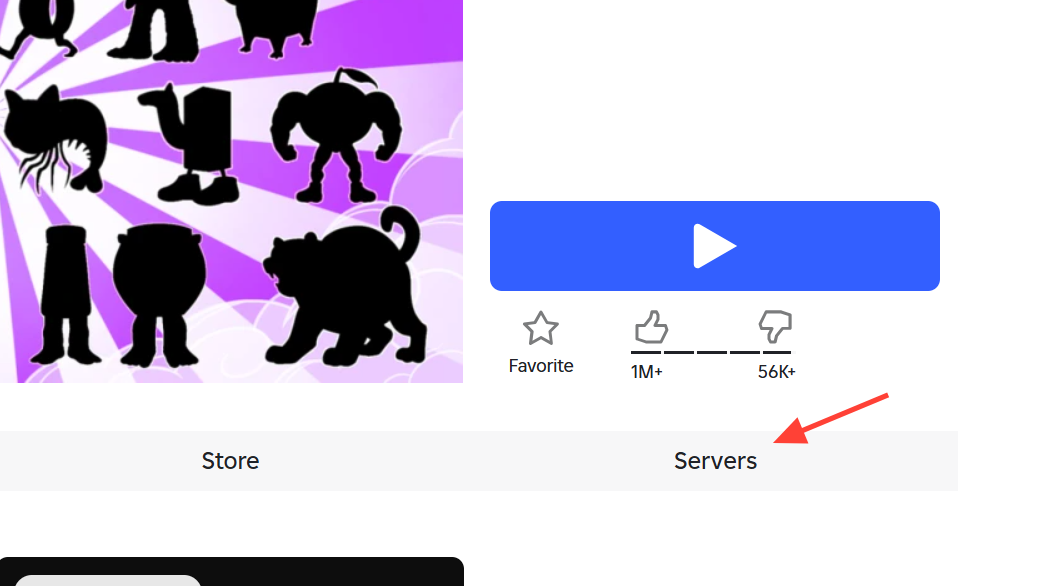

Is Roblox Getting Shut Down In 2026 The Real Truth Behind All Those Is Roblox Getting Shut Down In 2026 1024x683 . Roblox Is Down Right Now January 5 2026 Beebom Roblox Shutting Down In 2024 Cover . How To Use Private Servers In Brainrot Evolution On Roblox 2026 Image 363 1 . New Roblox Server Update IS HERE YouTube . Is Roblox Down Now Are Servers Issues Roblox Servers Status.webp