Navigating your Roblox account settings is incredibly important for maintaining security, customizing your gameplay experience, and ensuring a safe environment for younger players. This guide will help you understand every crucial aspect from privacy controls and two-step verification to parental settings and personalization options. Knowing how to manage these features protects your account from unauthorized access, safeguards personal data, and allows you to tailor Roblox to your preferences. Whether you are a seasoned player or a parent setting up a child's first account, mastering these settings is key to a smooth and secure Roblox adventure. We explore why these configurations matter for every user, offering clear, actionable steps to optimize your digital playground today.
Related games- Guide Another Place Roblox Master Your Adventure
- Guide Do You Need GTA 5 for FiveM? Yes Here's How!
- Guide: Roblox Achievement Hunter Secrets 2026
Hey there, fellow Robloxian! Ever scratched your head wondering how to keep your account super safe or fine-tune your game experience? You're not alone! Roblox's account settings are like the control panel for your entire adventure, and understanding them is key to making the most of your time in the metaverse. Think of this as your ultimate, living FAQ, constantly updated for the latest patches and features, helping you navigate everything from privacy to security like a pro. We've gathered all the burning questions, tips, and tricks to ensure your Roblox journey is smooth, secure, and incredibly fun. Let's dive in and unlock the full potential of your account!
Most Asked Questions about Roblox Account Settings
What are the essential privacy settings for a child's Roblox account?
For a child's Roblox account, essential privacy settings include restricting chat to 'Friends' or 'No One' and limiting friend requests to 'Friends of Friends' or off entirely. Enabling 'Account Restrictions' is vital to ensure only age-appropriate experiences are accessible. These settings are found under the 'Privacy' and 'Parental Controls' sections, providing a safer, more controlled environment for younger players to explore. Always remember to save changes after adjusting any settings.
How do I enable two-step verification on Roblox for better security?
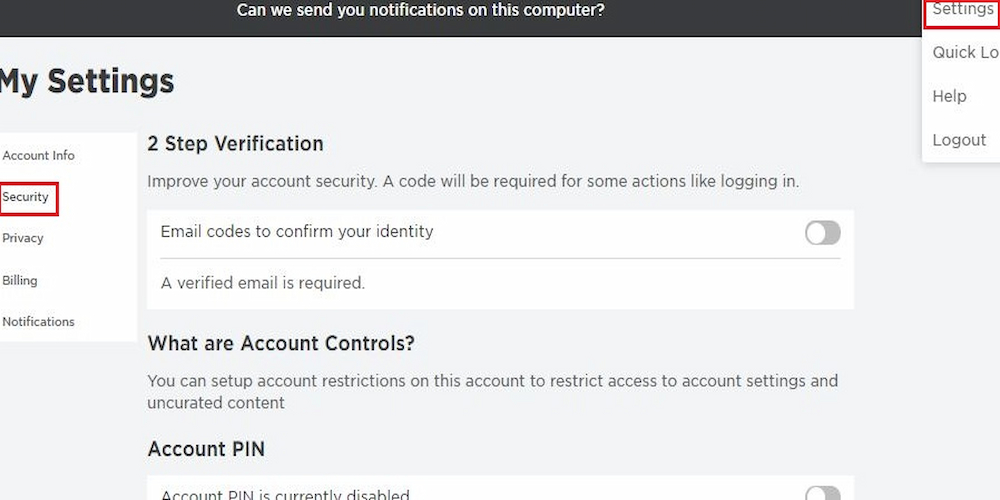
To enable two-step verification on Roblox, first ensure your email address is verified in your account settings. Then, navigate to the 'Security' tab. Locate the '2-Step Verification' option and toggle it on. Roblox will send a verification code to your registered email address each time you or someone else attempts to log in from an unrecognized device. This significantly enhances account security, preventing unauthorized access even if your password is compromised. It's a quick, simple step with huge benefits.
Can I restrict purchases on my child's Roblox account?
Yes, you can absolutely restrict purchases on your child's Roblox account. Within the 'Parental Controls' section of the account settings, parents can set a 'Monthly Spend Limit' for Robux purchases. This feature allows you to control exactly how much money can be spent on the account each month, preventing unexpected or excessive charges. It is an excellent way to manage budgets and encourage responsible spending habits for your young gamer. Remember to set a PIN to prevent changes.
Where can I view my Roblox purchase history and manage subscriptions?
You can view your Roblox purchase history and manage subscriptions easily within your account settings. Go to the 'Billing' or 'Premium' tab to access these details. The 'Purchase History' section provides a comprehensive log of all your Robux purchases and any in-game transactions. For subscriptions, the 'Premium' tab allows you to see your current plan, renewal date, and options to cancel or change your subscription. Regularly reviewing this helps track spending and manage recurring payments effectively.
What should I do if my Roblox account has been hacked or compromised?
If your Roblox account has been hacked, act quickly! First, try to reset your password immediately via the 'Forgot Password' link on the login page, using your verified email. If you cannot access your email, contact Roblox Support directly through their official website. Provide as much detail as possible, including screenshots or transaction IDs if applicable. They will guide you through the account recovery process. Enabling two-step verification *before* a hack is the best prevention. Always be cautious of phishing attempts.
How often should I update my Roblox account password? (Tips)
Updating your Roblox account password regularly, ideally every three to six months, is a smart security tip. This practice, combined with using strong, unique passwords that are not reused across other platforms, significantly reduces the risk of account compromise. Think of it like changing the locks on your digital home. Using a password manager can help you create and remember complex passwords effortlessly. Coupled with two-step verification, frequent password updates form a robust defense against cyber threats, keeping your virtual assets safe.
What are the best settings for optimizing Roblox performance on my device? (Tricks)
For optimizing Roblox performance, especially on less powerful devices, head into the in-game settings rather than account settings. Lower the 'Graphics Mode' to 'Manual' and then reduce the 'Graphics Quality' slider to a lower setting. Disabling 'Full-Screen' mode might also help. These tricks reduce the visual load on your device, leading to smoother gameplay and fewer lags. Experiment with different levels to find the best balance between visuals and performance for your specific setup. A lighter load means a happier game!
What are common issues with Roblox account settings and how to fix them? (Bugs & Fixes)
Common issues with Roblox account settings often involve changes not saving, difficulty verifying email, or problems with two-step verification codes. For unsaved changes, clear your browser cache and cookies, then try again. If email verification fails, check your spam folder or re-request the verification email. For 2FA codes not arriving, ensure your email is correct and check for any email service disruptions. Often, a simple browser change or using the Roblox app can resolve persistent glitches. If all else fails, Roblox Support is always there to assist with bugs and fixes.
Still have questions?
Check out our popular guides on Roblox Password Resetting and Maximizing Roblox Privacy for more in-depth information.
Ever wondered, "How do I actually make my Roblox account safer?" or "Where can I change my privacy settings to stop random friend requests?" You are definitely not alone! Diving into your Roblox account settings might seem a bit daunting at first, almost like entering a new game level without a tutorial. But trust me, understanding these settings is crucial. It is not just about keeping your account secure; it is also about making your Roblox experience truly your own. From safeguarding your personal information to controlling who can interact with you, these digital dials and levers are your best friends in the Roblox metaverse, constantly updated for the current year's security standards.
We have done the deep dive into the latest Roblox updates for this year, focusing on what matters most to gamers like you. This comprehensive guide will walk you through everything, making sure your account is locked down, personalized, and ready for all the amazing adventures Roblox offers.
Why Roblox Two-Step Verification is Your Digital Shield
Why is Roblox Two-Step Verification so vital today? This powerful feature adds an extra layer of security, making it significantly harder for unauthorized users to access your account even if they somehow get your password. It is like having a double lock on your front door, requiring both a key and a secret code to get in. How do you set it up? Simply enable it through your account settings, linking it to your verified email address for easy access.
Mastering Roblox Parental Controls for Younger Players
Roblox Parental Controls are indispensable for parents keen on creating a safe online environment for their children. These settings empower parents to manage who their child can chat with, what experiences they can access, and how much is spent on Robux. Where can you find these controls? They are readily available within the account settings, often under the 'Privacy' or 'Parental Controls' tab. Why use them? They ensure kids stay safe online, preventing unwanted interactions and content exposure.
Understanding Roblox Data Privacy in a Digital World
Roblox Data Privacy is a big deal, especially with increasing concerns about online information. It focuses on how your personal data is collected, used, and protected while you play on the platform. What specific data is involved? This includes things like your username, avatar appearance, and interaction history within experiences. How does Roblox handle your data? The platform adheres to strict privacy policies, allowing users to review and manage their data permissions through their account settings. This transparency is crucial for user trust and maintaining control over your digital footprint.
Smooth Roblox Account Recovery When Things Go Wrong
Roblox Account Recovery is a lifesaver if you ever forget your password or lose access to your account. This process is designed to help you regain control quickly and securely, minimizing downtime from your favorite games. Why is it important to know this? Having a verified email or phone number linked to your account makes recovery straightforward. How does it work? Roblox sends a verification code to your registered contact method, allowing you to reset your password and jump back into the action. It is a critical safety net everyone should understand.
The Value of Roblox Age Verification for Enhanced Experiences
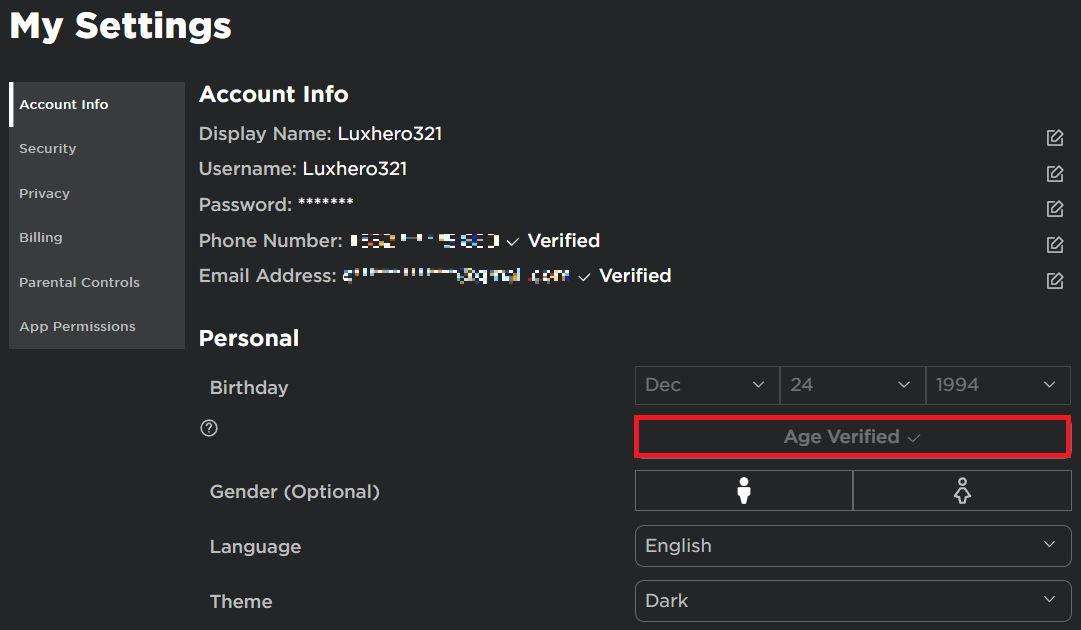
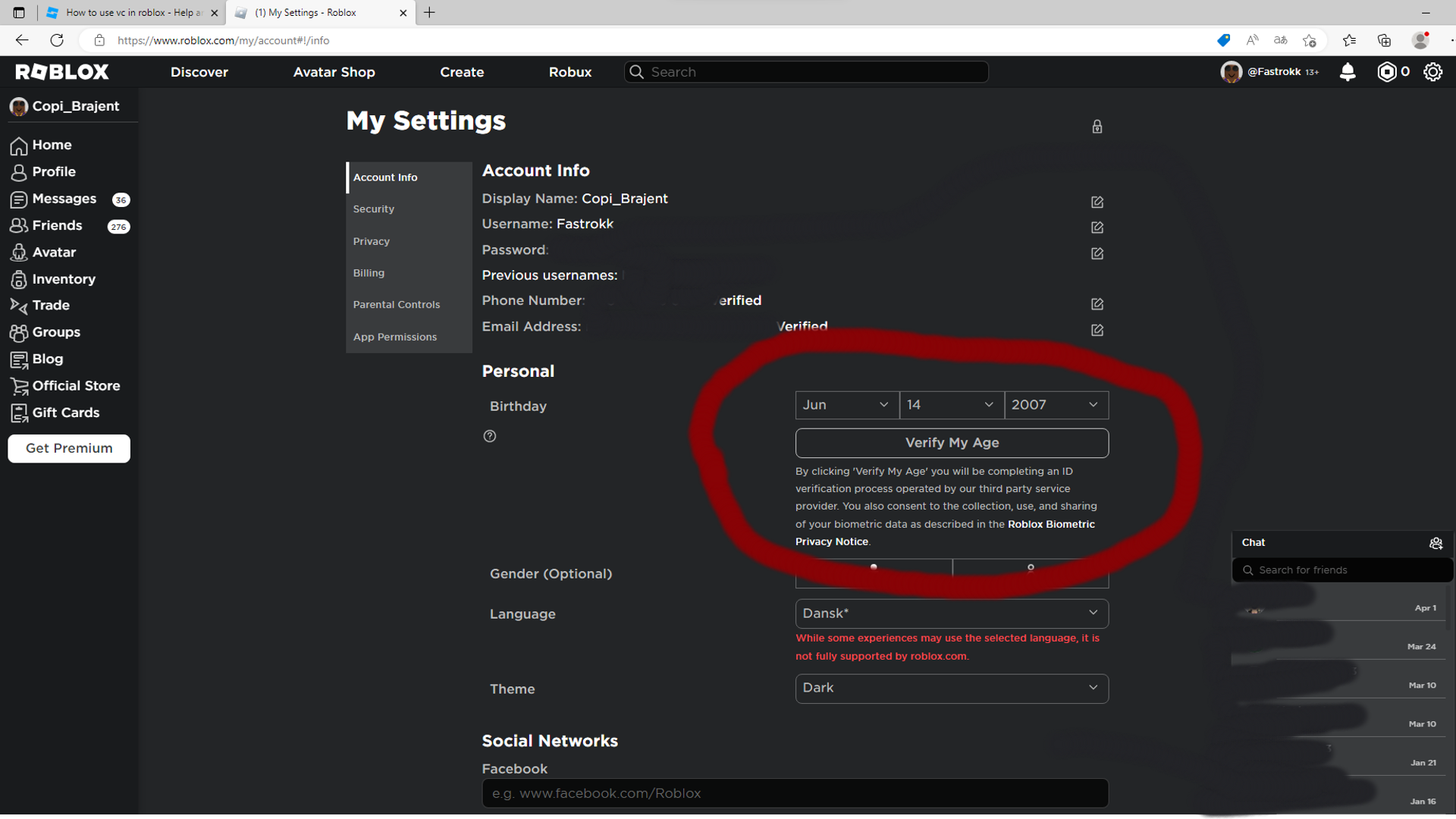
Roblox Age Verification is becoming increasingly relevant, especially for accessing age-restricted experiences and ensuring appropriate content for all users. Why is this important? It helps create a more tailored and safer environment by confirming a user's true age, unlocking specific features or experiences. Who benefits from this? Both older users who gain access to more mature content and younger users who are protected from inappropriate content. How is it done? Users can verify their age through their account settings using an ID, which is a quick and secure process.
As an expert gaming blog writer who has been deep in the trenches of Roblox for years, I have seen countless players overlook the power sitting right there in their settings. It's not just about changing your outfit; it's about owning your digital space. Let's get into the nitty-gritty.
Beyond the Basics: Diving Deeper into Your Roblox Account Settings
Roblox is more than just a game; it is a sprawling universe where millions create, play, and connect daily. With such a massive ecosystem, having robust and easily manageable account settings is not just a convenience—it's a necessity. From customizing your avatar's look to ensuring your child's playtime is safe and sound, every click in your settings panel holds significant power. This guide is built to demystify those options, transforming you from a casual user into a true master of your Roblox identity and security, all updated for the latest changes in 2024.
Many players often ask, "What exactly can I do in my Roblox settings that really makes a difference?" Well, the answer is quite a lot! You can tweak privacy settings to limit interactions, beef up security with two-step verification, manage your linked devices, and even review your purchase history. Each setting offers a unique way to personalize your experience while keeping your account protected. Understanding these small adjustments can lead to a much more enjoyable and worry-free time exploring the endless worlds Roblox has to offer everyone playing today.
Let us explore the core areas of your account settings, breaking down each feature into bite-sized, actionable insights. Remember, taking control of your settings is a proactive step toward a better, safer, and more fun Roblox journey. You are in the driver's seat, and it is time to take the wheel with confidence.
Account Information: Your Digital ID Card
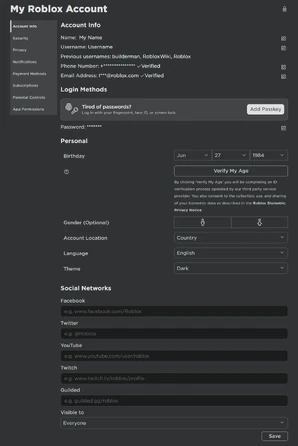
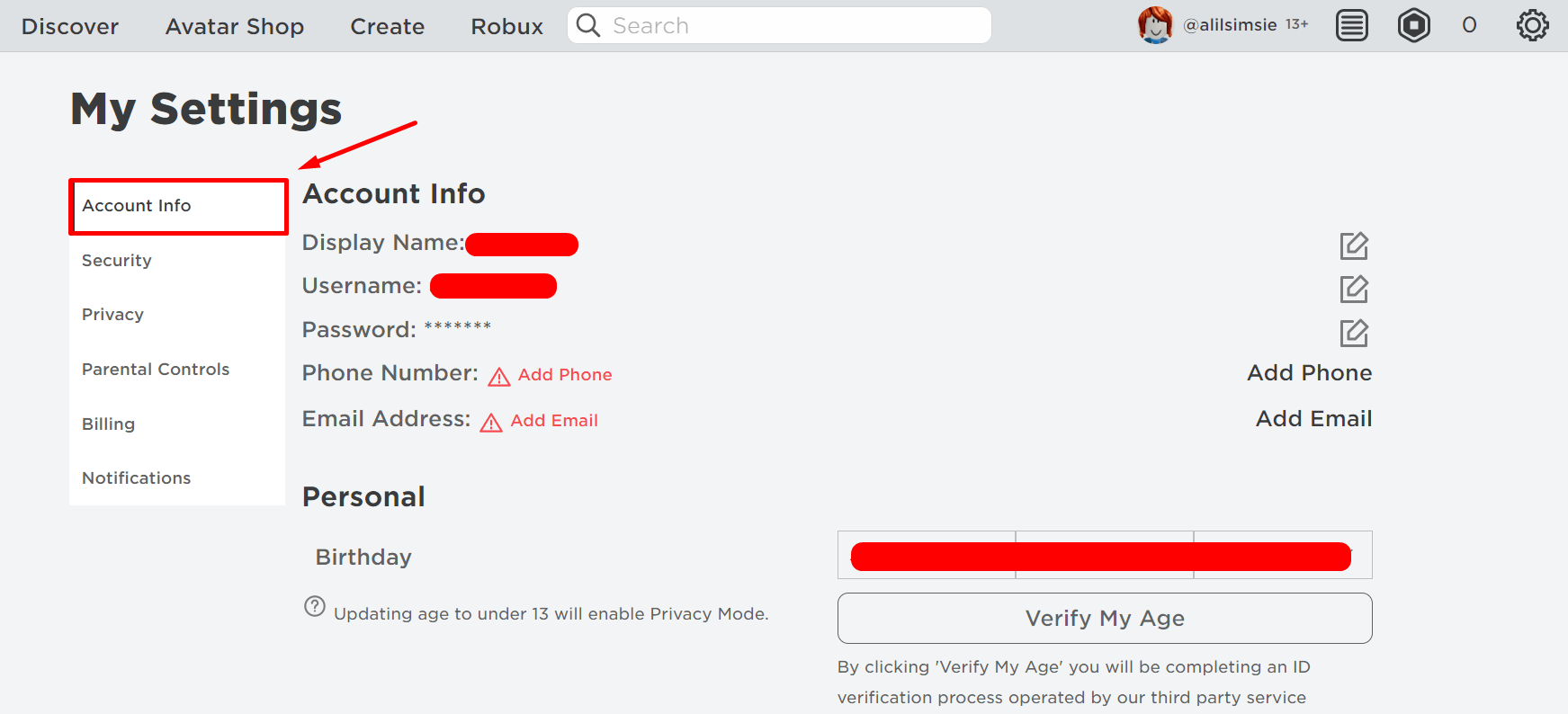
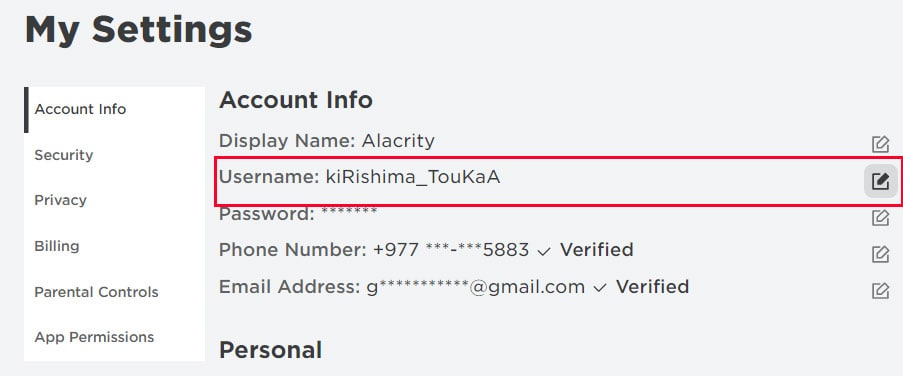
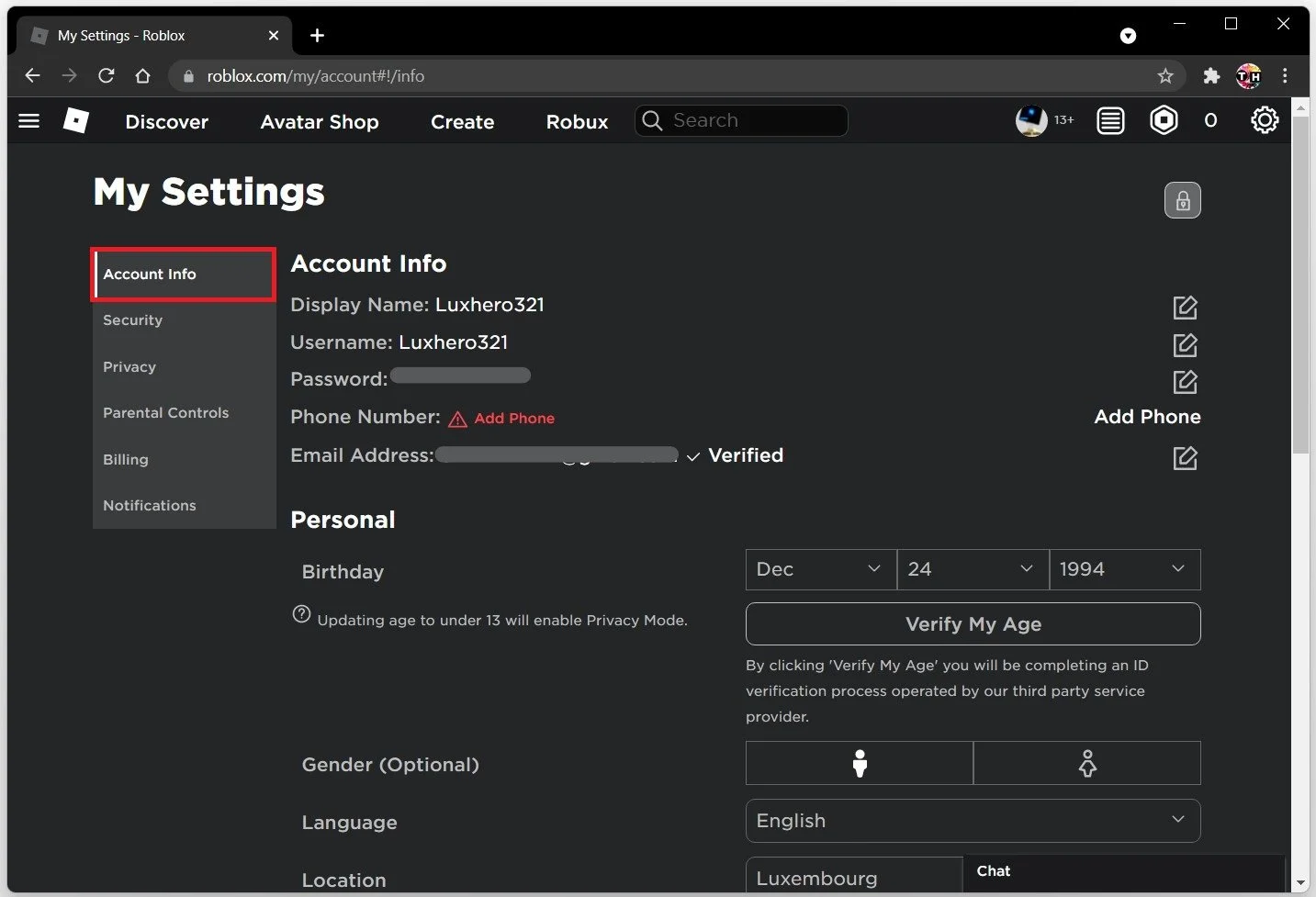
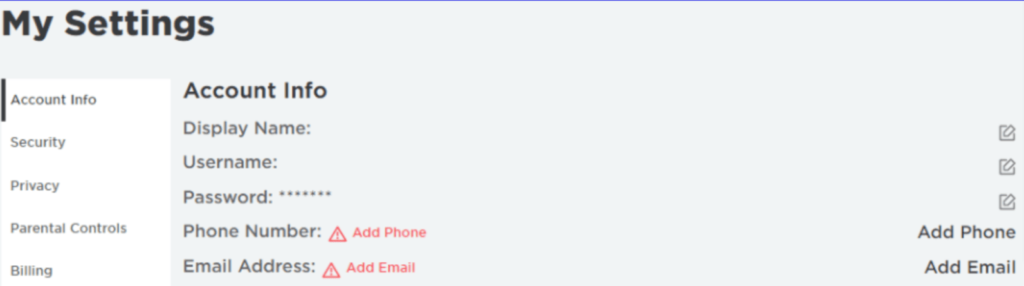
Username and Display Name: Your username is unique and permanent, your online identity, while your display name is what others see in-game and can be changed every seven days. This flexibility allows for creative expression without losing your core identity. Keep your username private from unsolicited sharing.
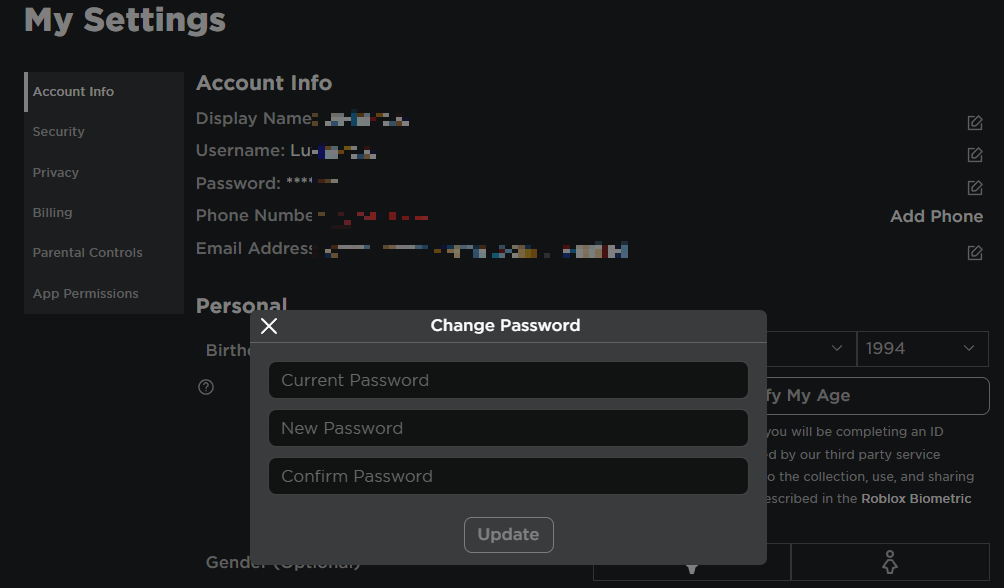
Password Management: Regularly changing your password is a fundamental security practice. Always use a strong, unique password for Roblox, combining letters, numbers, and symbols. Never share your password with anyone, even if they claim to be Roblox staff, to prevent unauthorized access to your account.
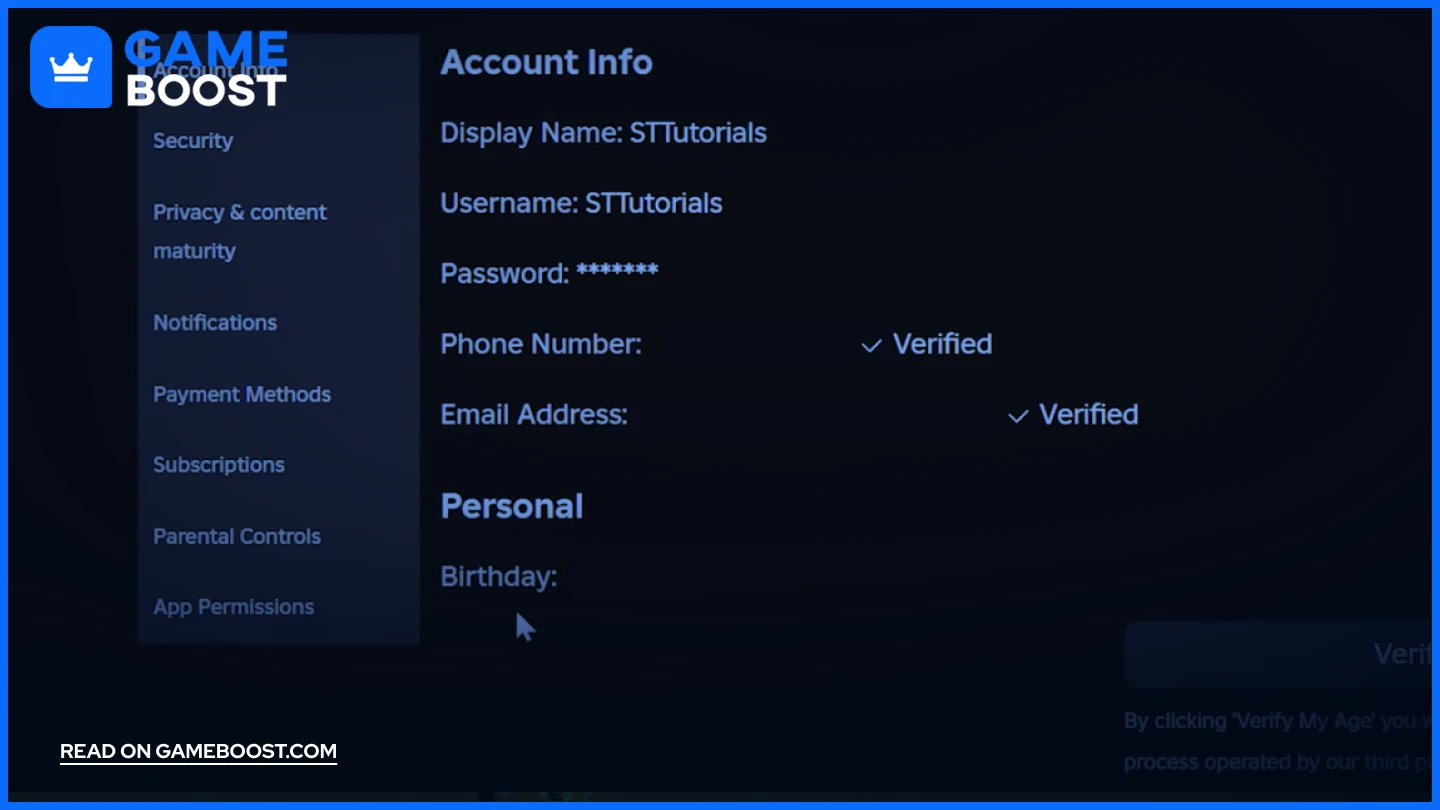
Email and Phone Number Verification: Linking and verifying your email and phone number is critical for account recovery and enabling two-step verification. This information acts as a reliable backup, ensuring you can regain access even if you forget your password. Always keep these details updated.
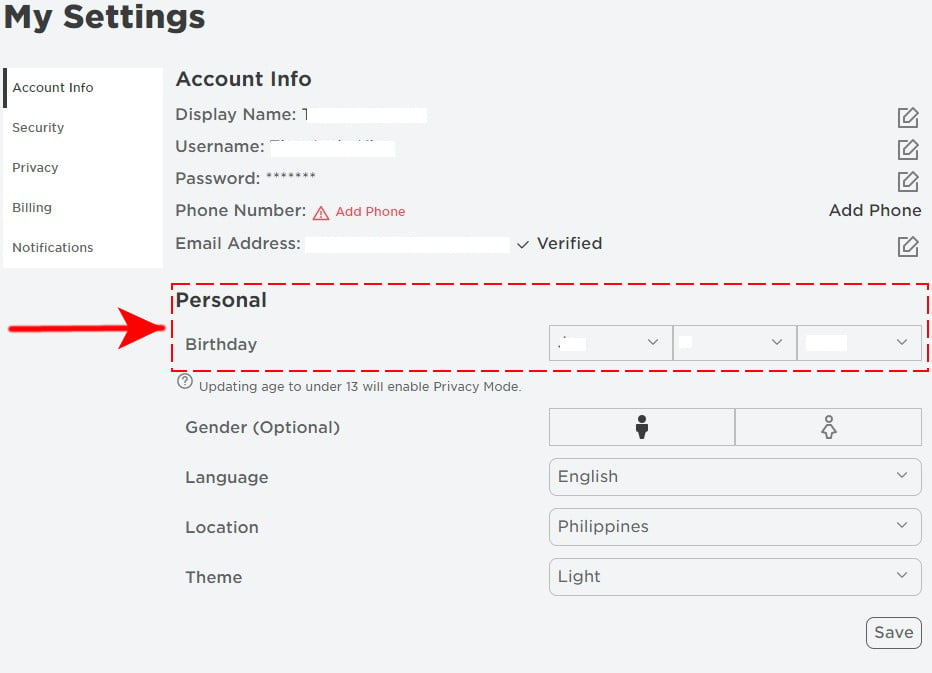
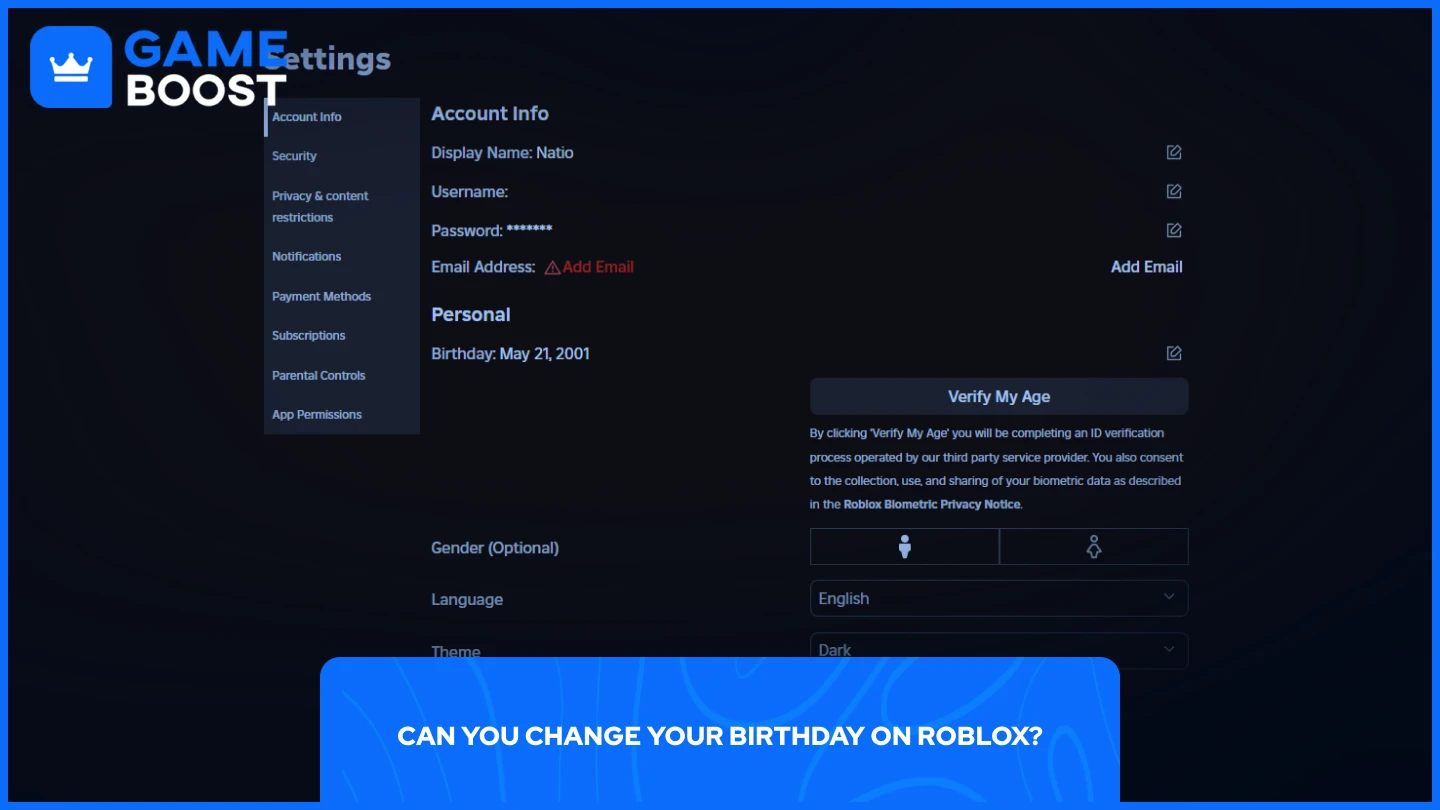
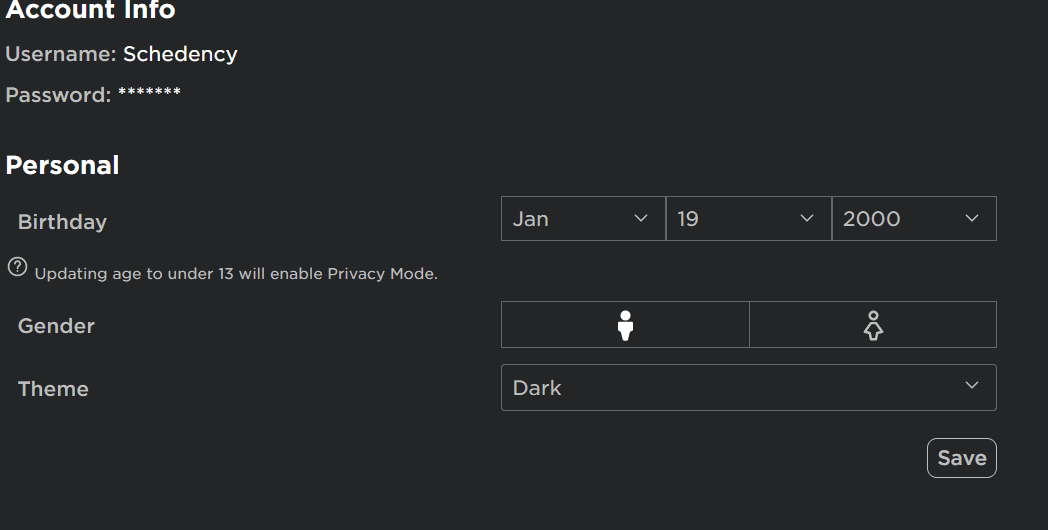
Date of Birth and Age Restrictions: Your date of birth determines your account's age restrictions and privacy defaults. Being honest about your age helps Roblox apply appropriate content and communication settings. Parents often adjust these for children, ensuring a safe experience. Correct age information is paramount.
Security Settings: Fortifying Your Roblox Castle
Two-Step Verification: This is arguably the most important security feature Roblox offers. When enabled, every login attempt from a new device requires a code sent to your verified email. This significantly protects your account from hackers and unauthorized access, even if your password is compromised. Turn it on today for peace of mind.
Login Sessions: This section shows all active logins to your account, allowing you to see where your account is currently being used. If you spot an unfamiliar device or location, you can log out that session immediately. This provides vital control and visibility over your account activity, enhancing security.
PIN Lock: For an extra layer of protection, particularly for accounts used by younger players, setting an Account PIN prevents others from changing your account settings without knowing the code. This is a fantastic tool for parents, giving them control over critical adjustments. Use a strong, memorable PIN.
Device Management: Reviewing and managing your authorized devices helps keep your account safe. If you use a public computer or a friend's device, make sure to log out or remove it from your trusted list. This minimizes the risk of someone else accessing your account without your permission.
Privacy Settings: Controlling Your Digital Interactions
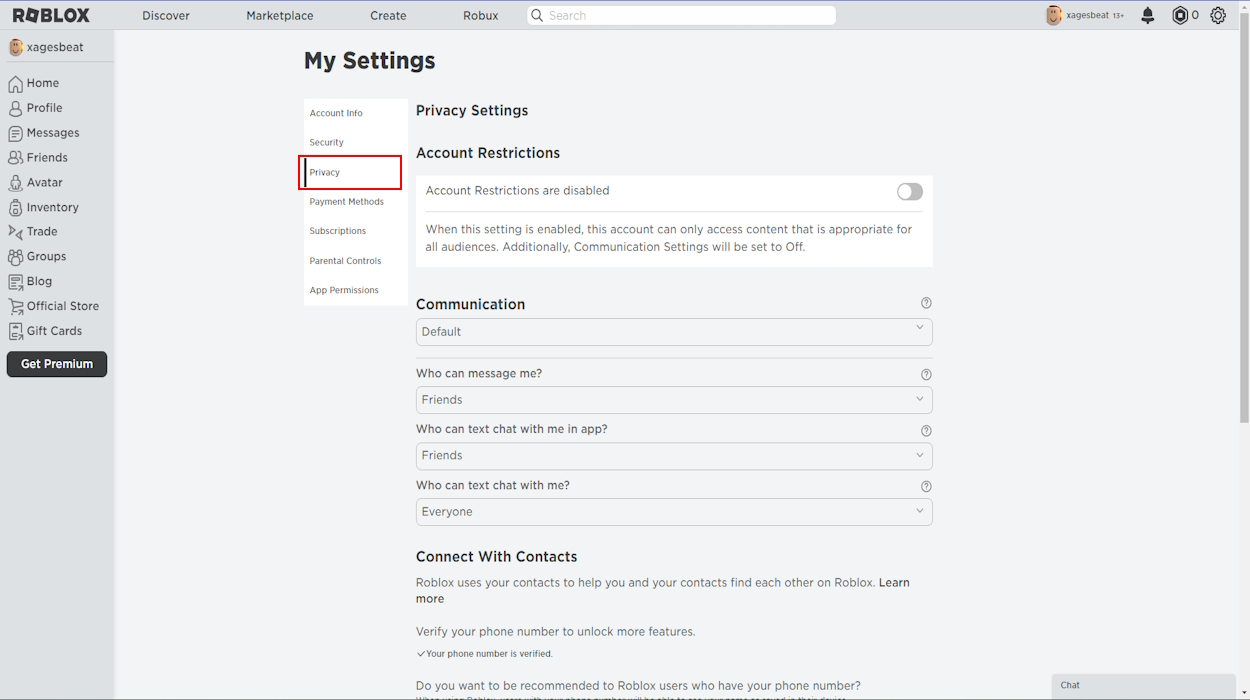
Who Can Message Me: This setting allows you to control who can send you private messages. Options typically include 'Everyone,' 'Friends,' or 'No One.' Limiting this can reduce unwanted communication and enhance your overall experience. Consider 'Friends' for a balanced approach.
Who Can Chat with Me In-App: Similar to messaging, this controls who can chat with you while you are playing an experience. You can choose to limit this to 'Friends' or turn it off entirely. This is particularly useful for younger players, preventing interactions with strangers. Personalize your chat options.
Who Can Friend Me: Decide who can send you friend requests. Options usually include 'Everyone' or 'Friends of Friends.' For younger players, setting this to 'Friends of Friends' or even restricting it further is a wise choice. This keeps your friend list curated and safe.
Who Can Join Me In-Game: This setting lets you control who can follow you into an experience. Options vary, but limiting it can prevent unwanted players from joining your game sessions. Keeping your game sessions private or limited to friends can create a more enjoyable atmosphere. Manage your joinability.
Other Privacy Settings: Explore further options like limiting avatar customizations or restricting certain content. Roblox frequently updates these settings, so it is always good to check periodically for new controls. Staying informed helps you maintain optimal privacy levels. Review these regularly.
Parental Controls: Safeguarding Your Child's Journey
Account Restrictions: This feature allows parents to restrict their child's account to only play experiences that are on a curated list and appropriate for all ages. It is an excellent way to ensure children only access content suitable for them. Enable this for peace of mind.
Monthly Spend Limits: Parents can set a monthly spending limit on Robux purchases, preventing unexpected or excessive spending. This financial control is a vital tool for managing budgets and teaching responsible spending habits. Keep an eye on those Robux!
Viewing Playtime Activity: Parents can monitor their child's playtime and activity within Roblox. This offers valuable insights into how much time is being spent on the platform and what experiences are being played. Stay informed about online habits.
Chat Filtering Levels: Roblox offers various chat filtering levels to block inappropriate language and content. Parents can adjust these settings to ensure their child's conversations are always clean and safe. Customizing filters protects against harmful messages effectively.
Billing and Premium: Managing Your Robux and Subscriptions
Payment Methods: This section allows you to manage saved payment methods for Robux purchases or Premium subscriptions. It is essential to review these periodically and remove any outdated or unused cards for security reasons. Keep your financial details secure.
Purchase History: View a detailed log of all your Robux purchases and in-game transactions. This is incredibly useful for tracking spending and identifying any unauthorized purchases. Regularly check this history to ensure everything looks right. Monitor your spending.
Premium Subscription Management: If you have a Roblox Premium subscription, you can manage or cancel it here. Understanding your subscription details prevents unexpected renewals or charges. Always know your subscription status.
Troubleshooting Common Account Settings Issues
Sometimes, even with the best intentions, things can go a little sideways. Perhaps you are having trouble changing your password or a privacy setting just is not sticking. Do not fret! Many common issues with account settings have simple fixes. Often, clearing your browser cache and cookies, or trying a different browser, can resolve glitches. Always ensure your Roblox app is updated to the latest version, as bugs are frequently patched. If issues persist, Roblox Support is your next best friend, ready to assist. Always make sure to provide clear details of your problem for faster resolution.
The Future of Roblox Account Settings: What to Expect
Roblox is constantly evolving, and its account settings are no exception. We can expect even more refined parental controls, enhanced age verification methods, and potentially new features focused on data transparency and user control. With the metaverse expanding, security and privacy will remain paramount. Keeping an eye on Roblox's official announcements and blog posts will ensure you are always up-to-date with the latest tools and protections available. Embrace the changes and stay secure.
Beginner / Core Concepts
1. Q: What is the most important setting I should enable right after creating a Roblox account?
A: Ah, I get why this confuses so many people when they're first diving in! The absolute single most important setting you should enable immediately is Two-Step Verification. It's like putting a super strong extra lock on your account's door. Even if someone, somehow, figures out your password, they can't get in without that second code sent to your email. You'll find it under the Security tab in your account settings. Just link a verified email address, and with a few clicks, you've massively boosted your protection. It’s a game-changer for keeping your precious Robux and creations safe. Seriously, don't wait on this one! You've got this!
2. Q: How can I change my Roblox password if I've forgotten it?
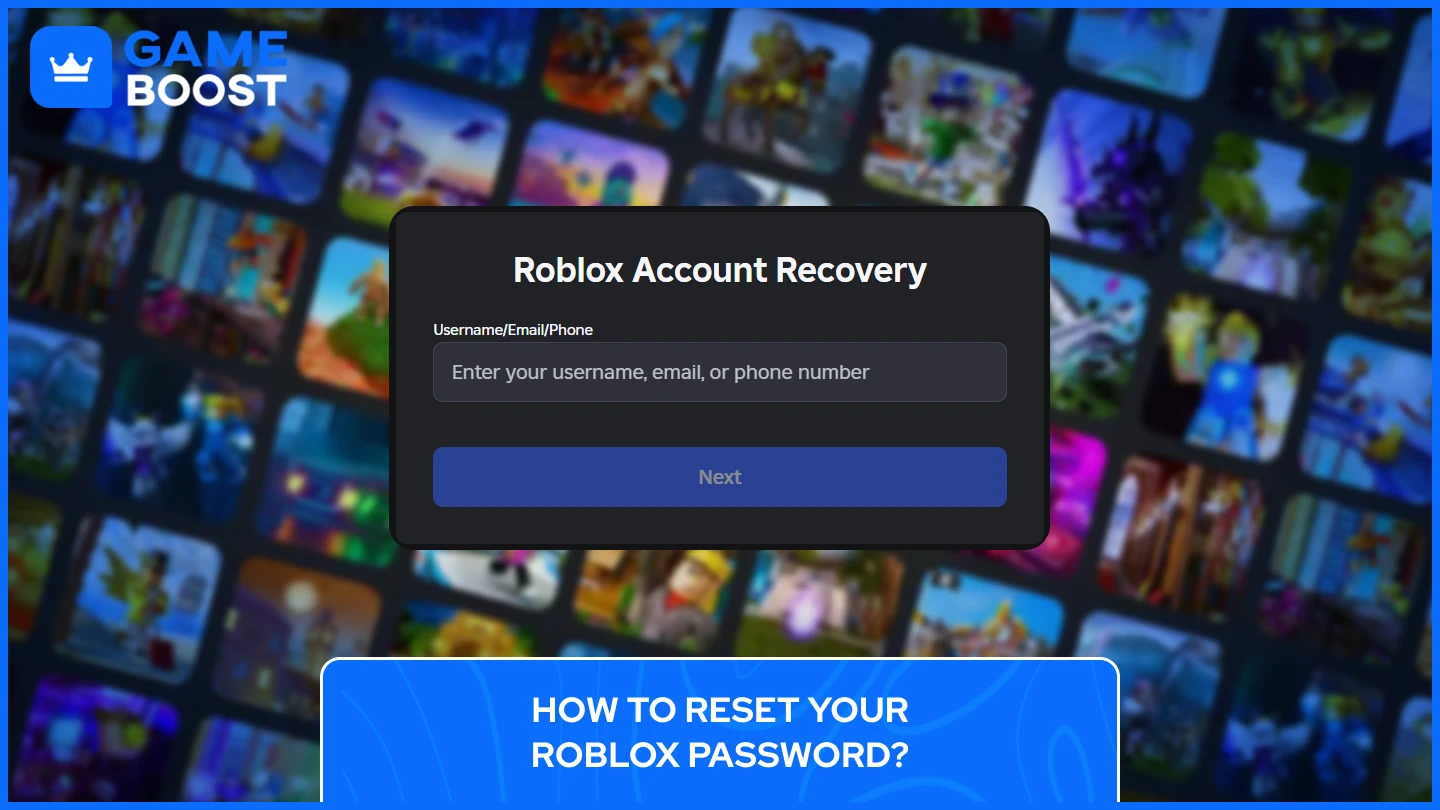
A: This one used to trip me up too, it happens to the best of us! If you've forgotten your Roblox password, don't panic. The easiest way to reset it is to go to the Roblox login page and click the
Roblox account security, privacy control, parental settings, two-step verification, password management, personalization, data protection, account recovery
35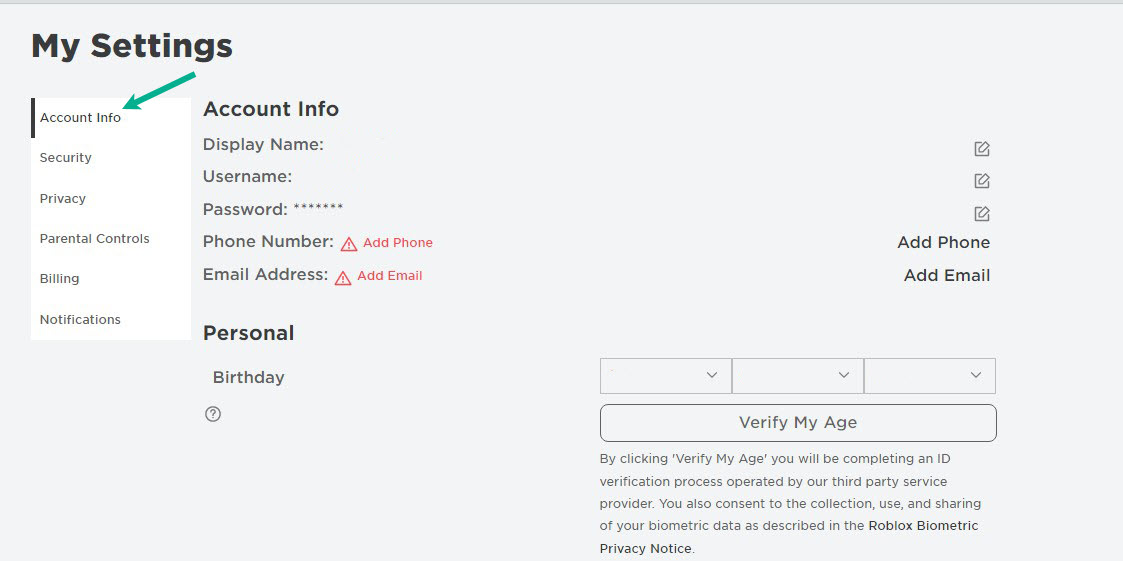

How To Change Your Username On Roblox The Droid Guy On The Account Settings Select The Account Info Tab . How To Change Age On Roblox Account In 2026 Complete Guide The Roblox Birthday . Account Settings Roblox Wiki Fandom 298. How To Change Your Birthday On Roblox 2026 Guide 97c1473b C92a 482b Be72. Account Settings Roblox Wiki Fandom 375


How To Change Your Birthday On Roblox 2026 Guide D401dc66 D505 4529 Aab2. Roblox Parental Controls The Essential Guide CodaKid Account Info . How To Change Your Display Name On Roblox Account Info Settings Roblox . How To Change Your Password On Roblox Pro Game Guides Roblox Account Settings Cog Icon Location . How To Fix Roblox 2 Step Not Receiving Email Problem 2 Check Roblox Email Address

How To Change Your Roblox Username On Mobile Tech How 2 Buy Robux. Roblox Parent Account Easy Setup Guide Roblox Account Settings 2 . How To Change Age On Roblox Easy Guide Tech How Account Information . Finding Your Account Settings On Roblox Playbite Where Is Account Settings On Roblox 1024x576 . How To Change Account Location On Roblox Mobile And PC Roblox App

How To Change Your Roblox Password Quick Guide Tech How 2 Change Password. How To Set Up Roblox Account Game And Privacy 2022 Ultimate Guide How To Set Up Roblox Account Step 2 1024x286 . How To Change Your Birthday If Under 13 On Roblox Tech How 2 Update Account Information. You Have Reached The Purchase Limit On This Account Why Can T I Buy Screenshot Of Roblox Profile 768x414 . How To Appear Offline On Roblox 2024 Guide Beebom Roblox Privacy Options



How To Get Free Roblox Accounts In 2026 Eldorado Blog How To Get Free Roblox Accounts Featured Image.webp. Fix Roblox Code Already Redeemed Error 80 Quick BitTopup . What Will Roblox Look Like In 2026 Blog Graphics 26 . How To Change Password In Roblox HardReset Info Apps Roblox . How To Reset And Change Your Roblox Password 7fa517f7 638c 4bf2 B2ba


VC Account Roblox H Ng D N V Th Ng Tin Mua B N An To N . How To Set Up Roblox Account Game And Privacy 2022 Ultimate Guide Roblox Login . Account Still Terminated After Platform . Wrongly Banned Creating Or Using An Account To Avoid An Enforcement 2 1380x724 . 100 Unofficial Roblox Annual 2026 The Iconic Companion Jam Packed SL1500


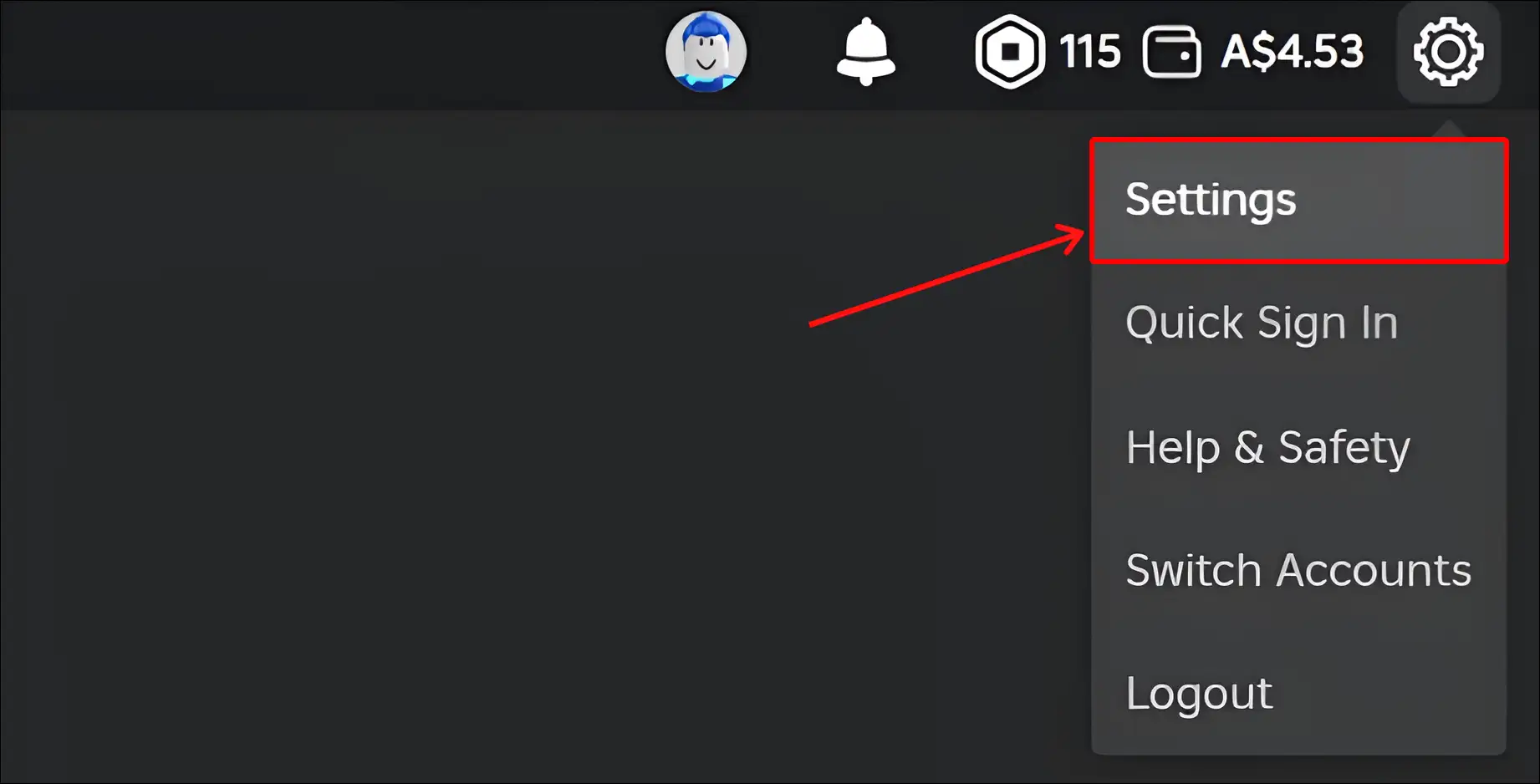
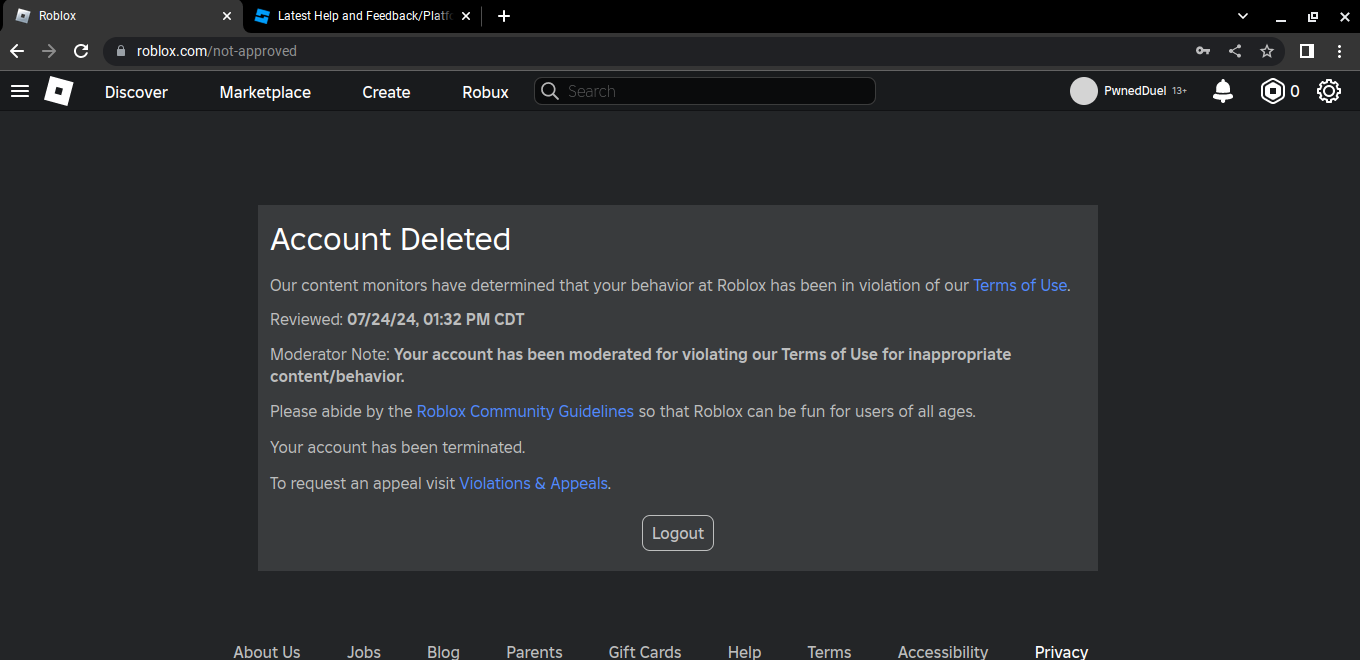
Introducing Seamless Account Switching On Roblox . How To Change Your Password On Roblox Pro Game Guides Roblox Account Settings Edit Password Button . Introducing Seamless Account Switching On Roblox . How To Fix Content Not Accessible In Roblox On Phone Or PC Roblox Website. My Account Is Permanately Gone Platform Usage Support Developer